How to Customize an Astro Template
The order that works: brand tokens, site config, content, then components. Do it in that order and a rebrand takes an afternoon instead of a weekend.
The mistake almost everyone makes is starting in the components. You open the hero, change a headline, change a color, change a class, and four hours later the site is half yours, half the demo, and you have no idea which files you have touched.
There is an order that avoids this. It works because it goes from the things that affect everything to the things that affect one page.
- Run it locally and read the structure
- Brand tokens — color and type
- Site config — the strings and the links
- Content — replace the demo, delete the rest
- Components — only now, and only what is left
- Deploy
1. Run it first, change nothing
pnpm install
pnpm dev
Open it and click every link. You are looking for two things: which pages exist, and which of them you do not need. Deleting a page you will never use is the cheapest customization there is, and it is much easier to do on day one than after you have edited it.
Then open the content folder. In a well-built Astro template, that folder is the site — the pages are just the shape the content is poured into. If you can read the content folder and predict what the site looks like, the template is well built. If you cannot, that is worth knowing before you invest a weekend.
2. Brand tokens before anything else
Colors and typography live in one place, usually the global stylesheet as CSS custom properties. In a Tailwind 4 project that looks roughly like this:
@theme {
  --color-ink: #14140f;
  --color-background: #f2f2ef;
  --font-sans: 'Instrument Sans', system-ui, sans-serif;
}
Change them there and the whole site moves together. This is the single highest-leverage edit in the entire process, and it is also the one people skip in order to go change a button.
Two rules that save you later:
Do not add a hex value inside a component. The moment you do, you have a color that lives outside the system and will be wrong after the next brand tweak.
Change the token, not its name. If the template calls something --color-ink and your brand calls it “charcoal”, resist renaming. You will spend an hour on find-and-replace and gain nothing.
3. Site config next
Every decent template has a config file for the things that are data rather than design: business name, email, nav links, footer links, social profiles. Change those, and the header, the footer, the contact links and the metadata all update at once.
If the template also centralizes its copy — every visible string in one file — do that pass now, in one sitting. It is dull, it takes twenty minutes, and it beats hunting for a stray sentence in a component three weeks from now.
4. Content, and be ruthless
Replace the demo entries with yours. One real project first, end to end, before you write the other six — you will find out immediately whether your content fits the fields the template expects. Too many images, no client name, a description three times longer than the design allows: better to learn that once than six times.
Then delete every demo entry you did not replace. Empty demo content that ships to production is the most common way a template-built site looks like a template-built site.
Remember that the frontmatter is typed. If you leave out a required field, the build fails with a message naming the file and the field. That is the schema doing its job — it is not an error, it is the template telling you what it needs.
5. Only now, the components
By this point the site is already yours in color, type, copy and content. What remains is genuinely structural: a section you want gone, a layout that should be two columns instead of three, a card that needs one more field.
Work on one component at a time and keep the dev server open. In a good template, components are small and commented — the change you want is usually ten lines in one file, not a refactor.
When you need a new field on something, the pattern is always the same: add it to the schema, add it to the frontmatter, render it in the component. Three edits, in that order, and TypeScript will tell you if you missed one.
6. Deploy early, not at the end
Deploy after step 3, when the site is still mostly demo content. A broken environment variable or a missing build setting is a five-minute fix on an empty site and a panic at launch.
Set the environment variables the template asks for — usually an email API key and, if it rate-limits, a Redis URL and token. The repo ships with the configuration for Vercel, Netlify and Cloudflare Pages; pick one and push.
What still trips people up
Images. Use the template’s image component rather than a plain <img>. It is what generates the modern formats and the responsive sizes, and dropping down to raw tags is how a fast template becomes a slow site.
The metadata. Titles and descriptions come from the content, so once your content is real, they are real too. Check three pages in the built HTML before you announce anything.
Doing it out of order. Every hour lost in a template customization is someone editing components before editing tokens.
The rough budget
An afternoon for steps 1 through 3. As long as your writing takes for step 4 — this is the real cost, and no template changes it. A few hours for step 5, if you need it at all.
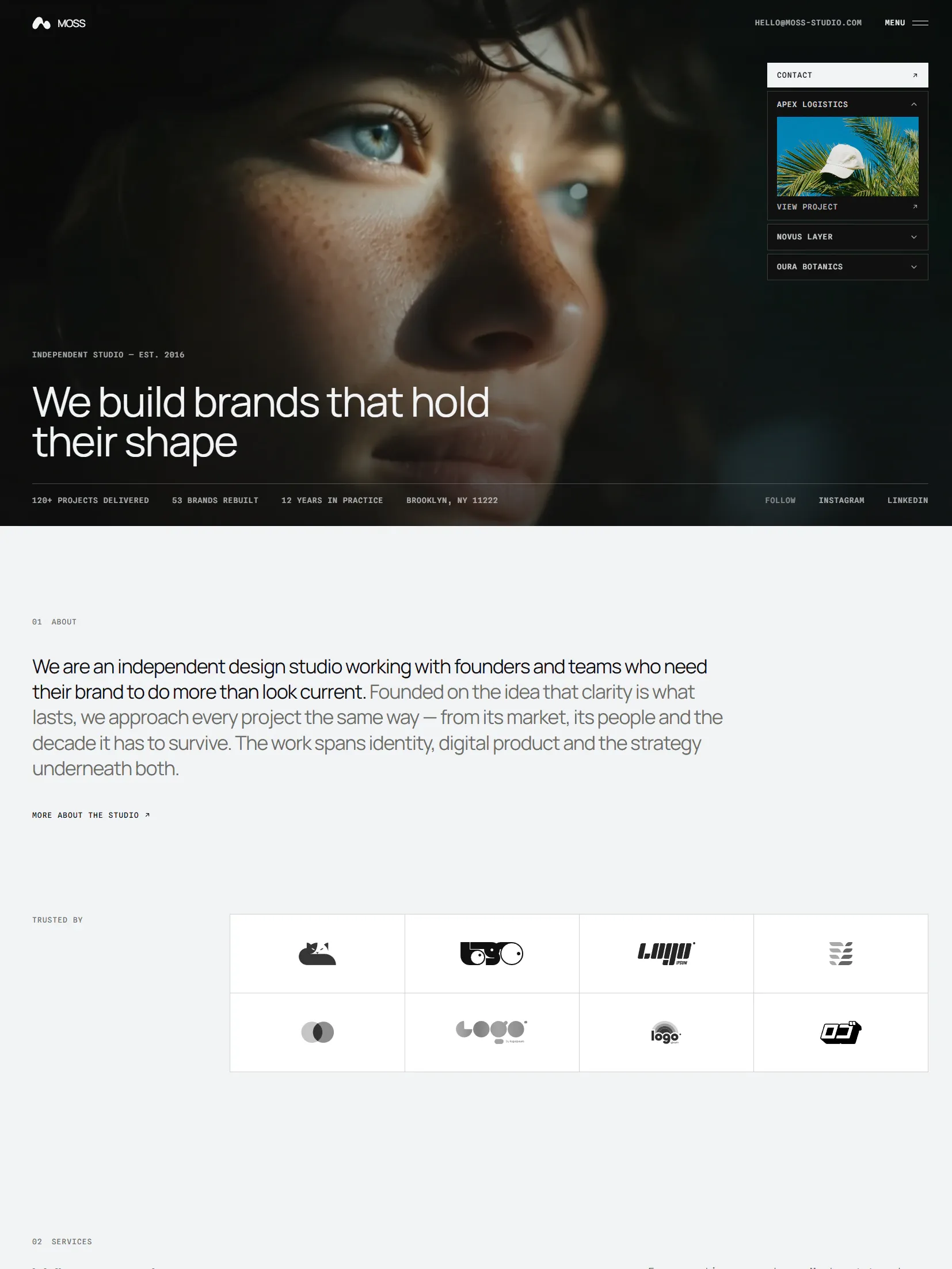
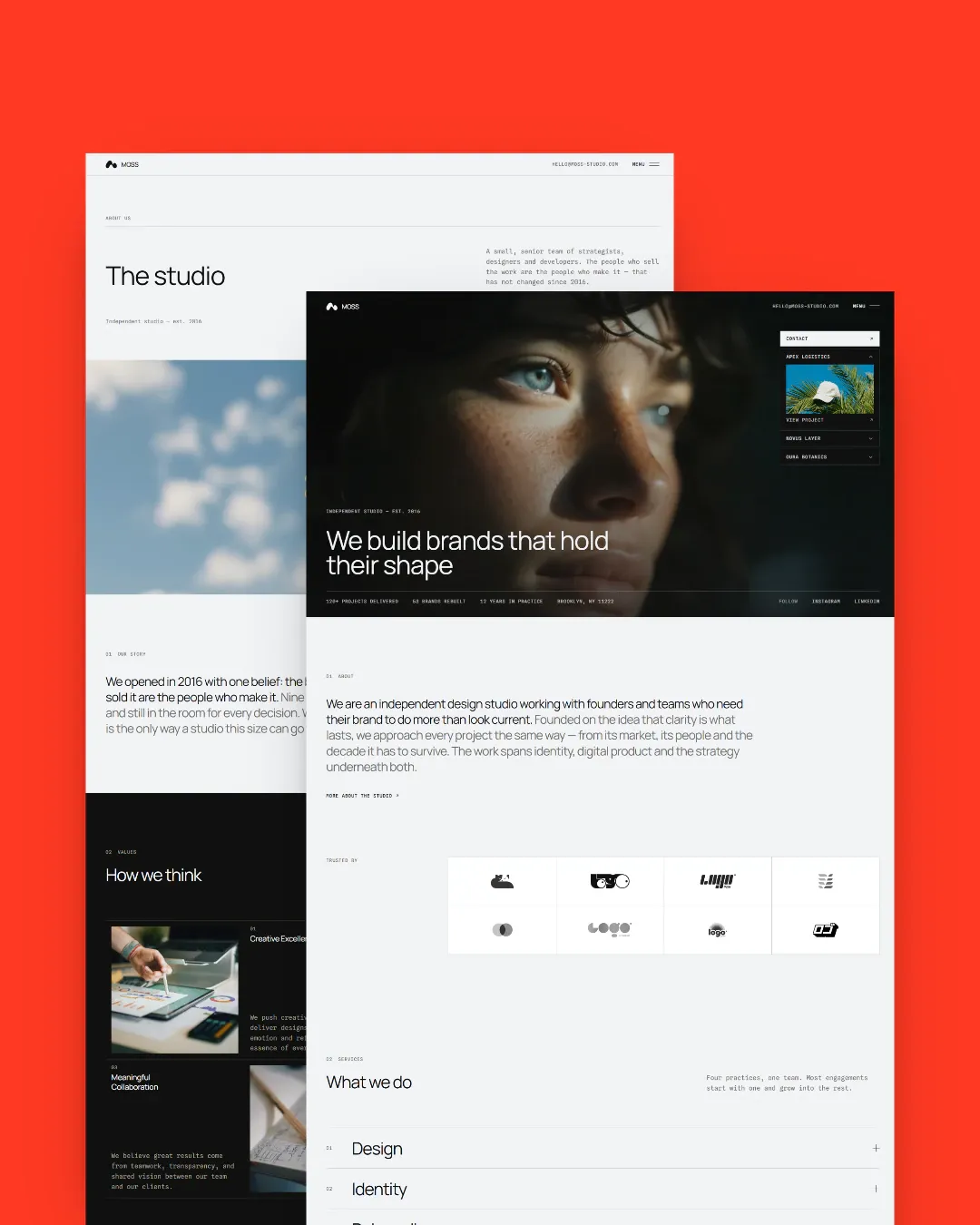
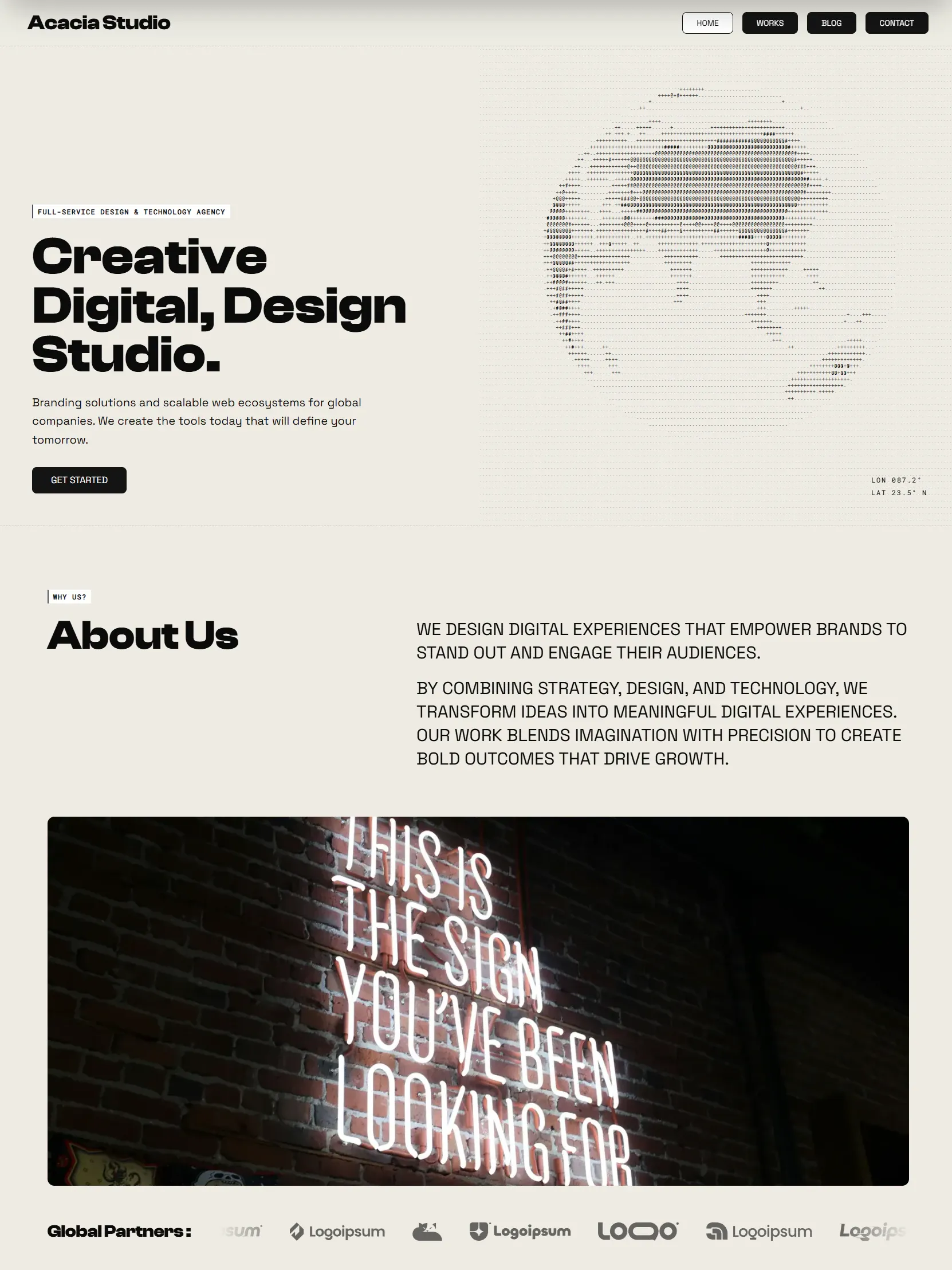
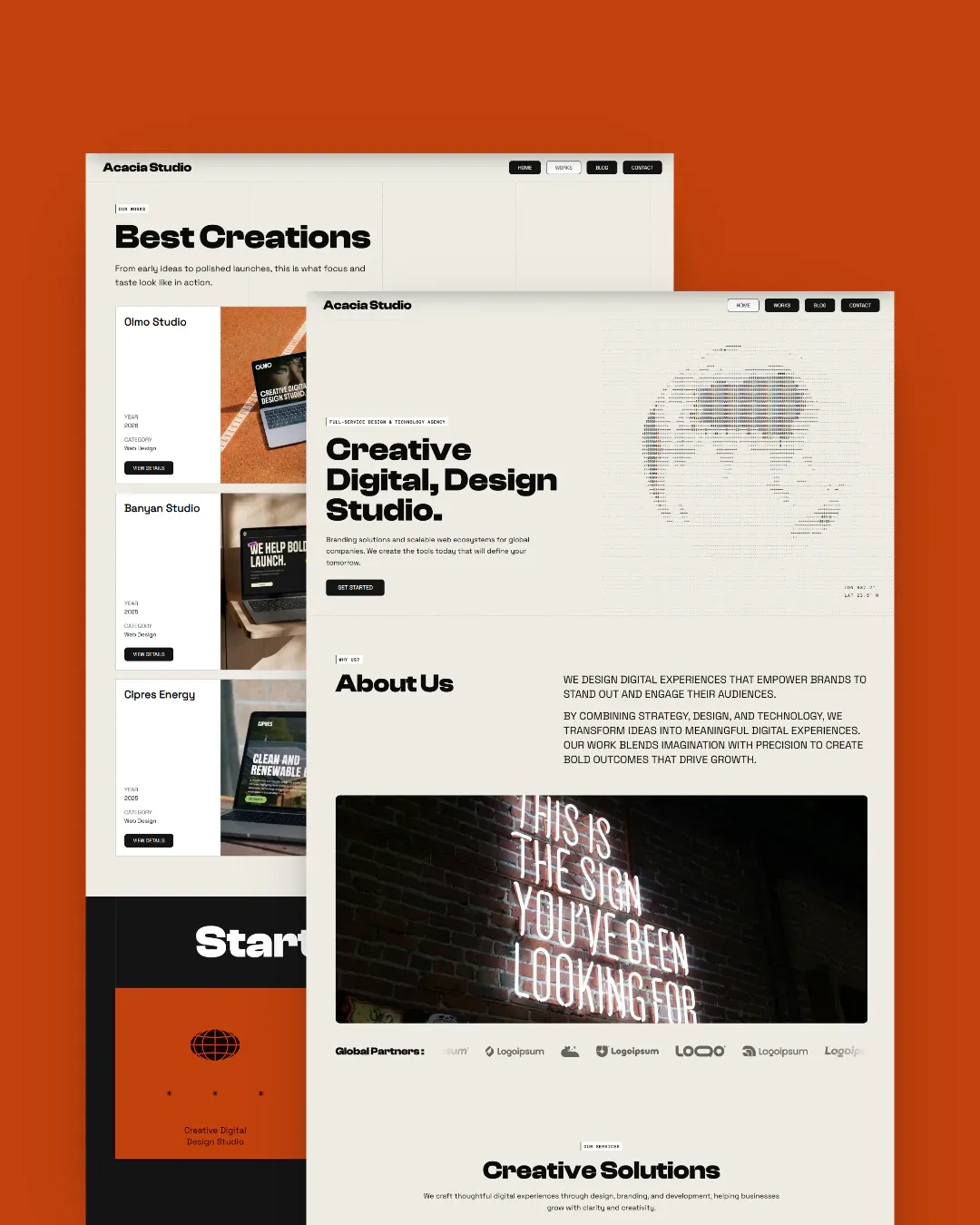
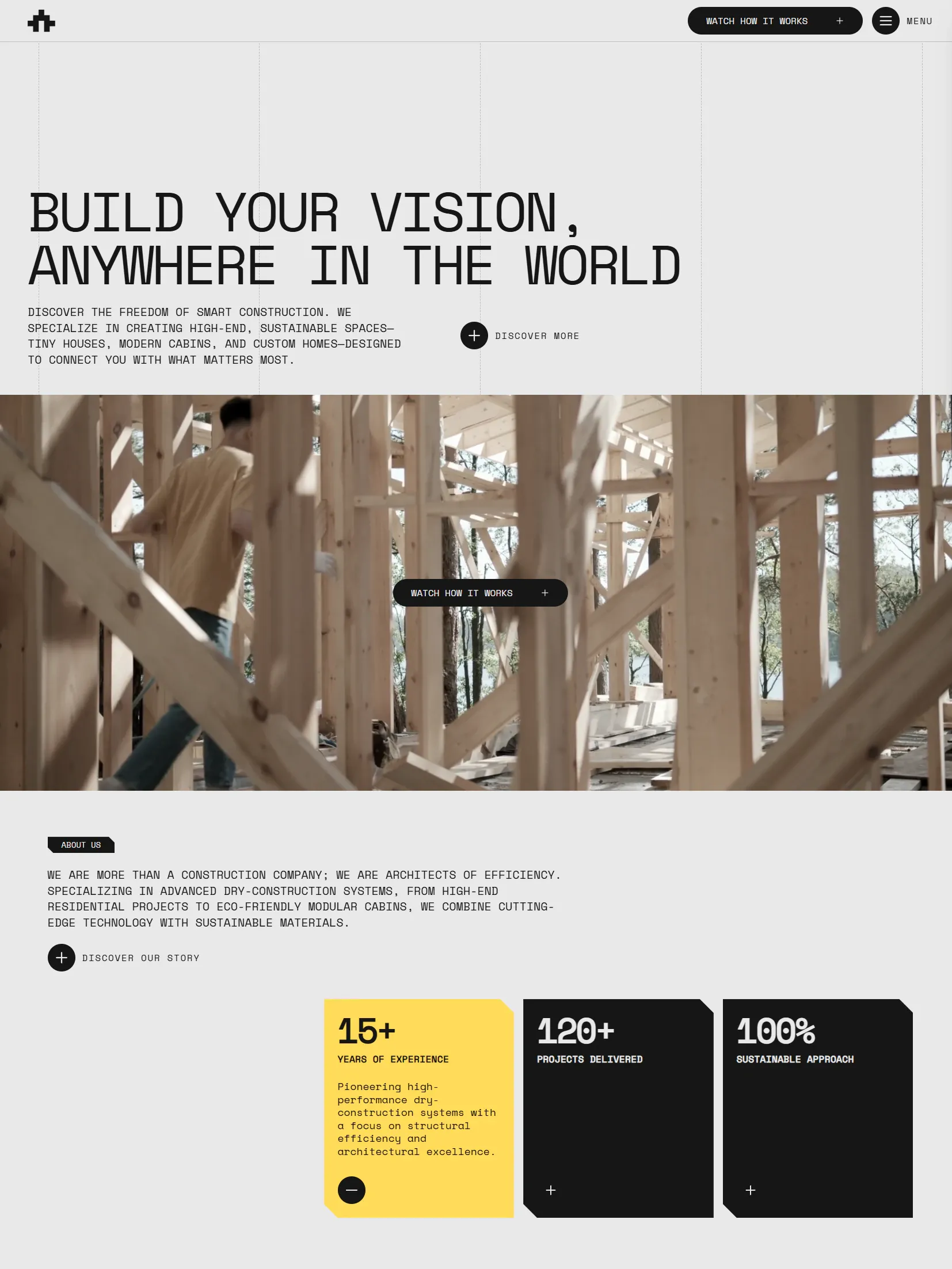
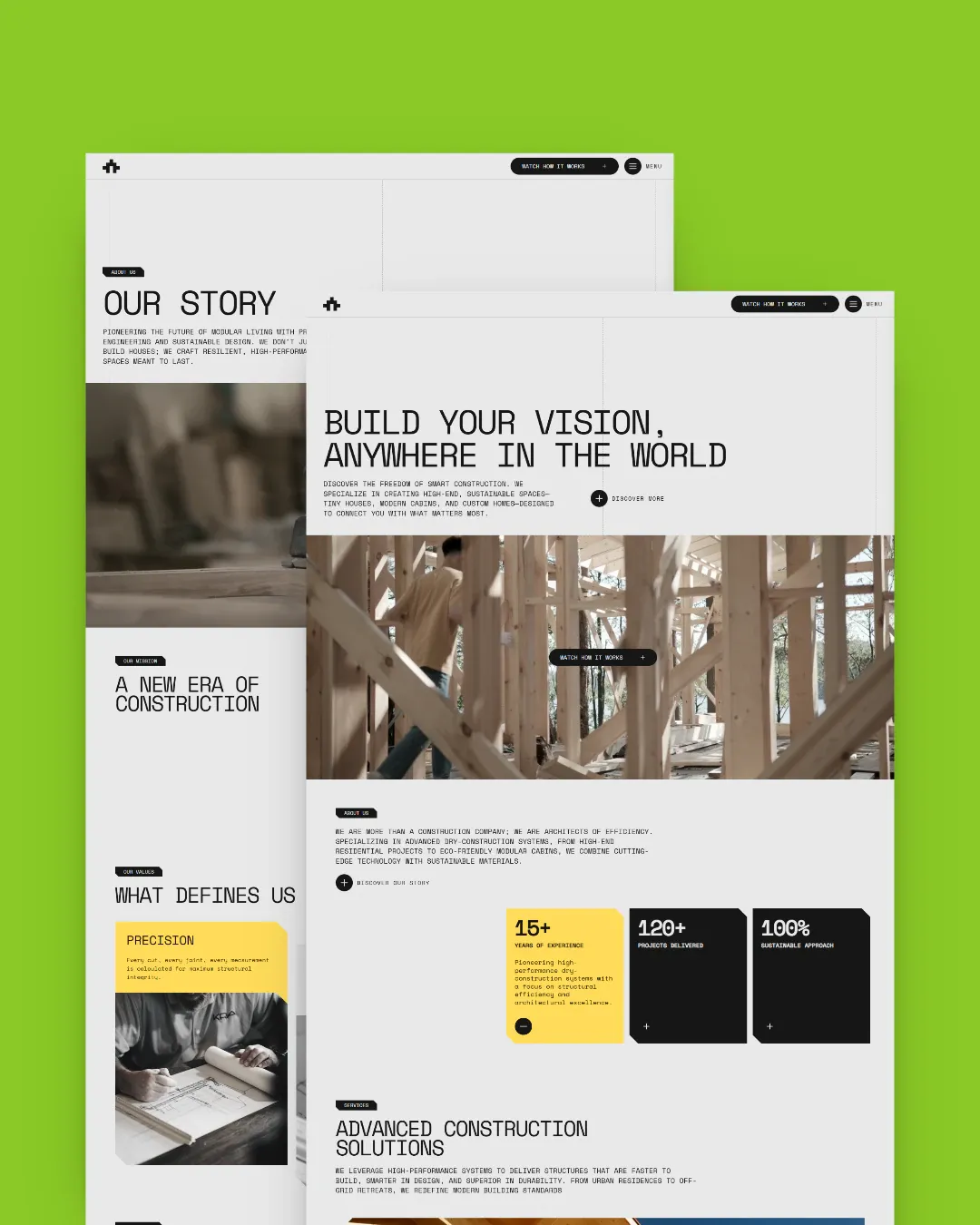
If you want to see the shape of a template that is built for this workflow, Moss Studio concentrates the brand in site settings and design tokens, and keeps projects, services and journal entries as independent content files. Acacia Studio and Bark Architecture are laid out the same way. Or start from the whole catalog.