
What is inside
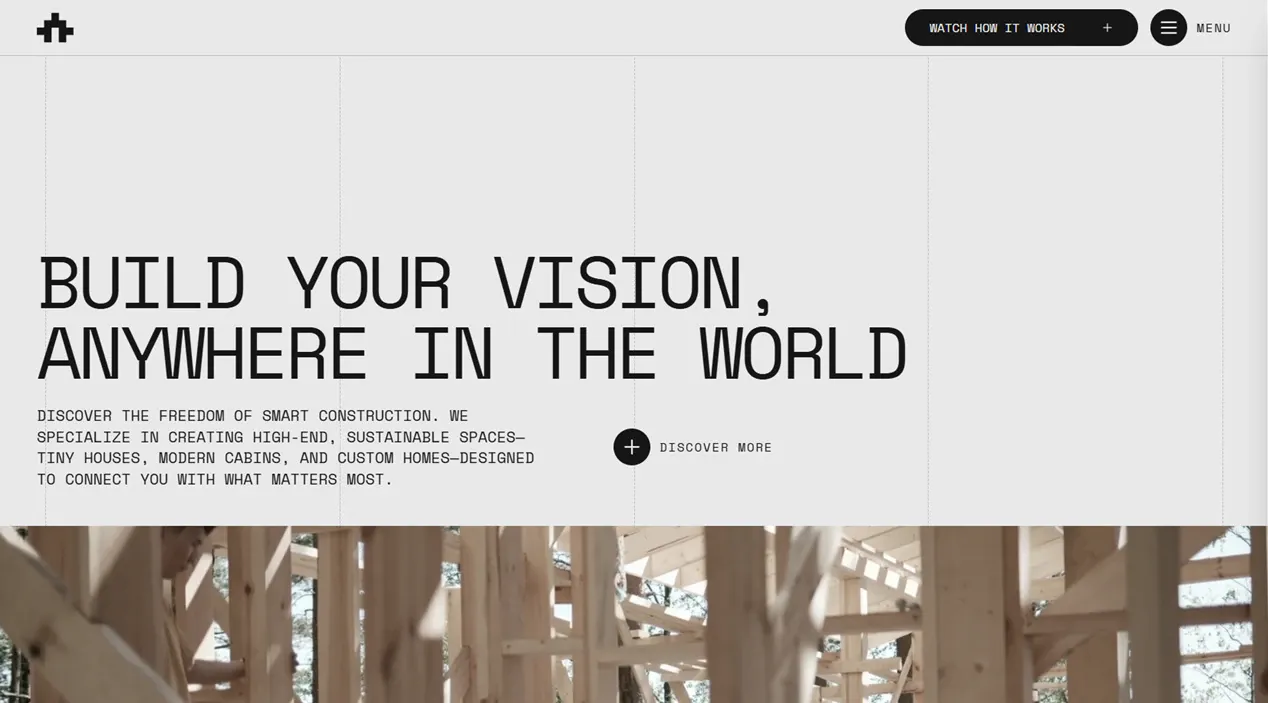
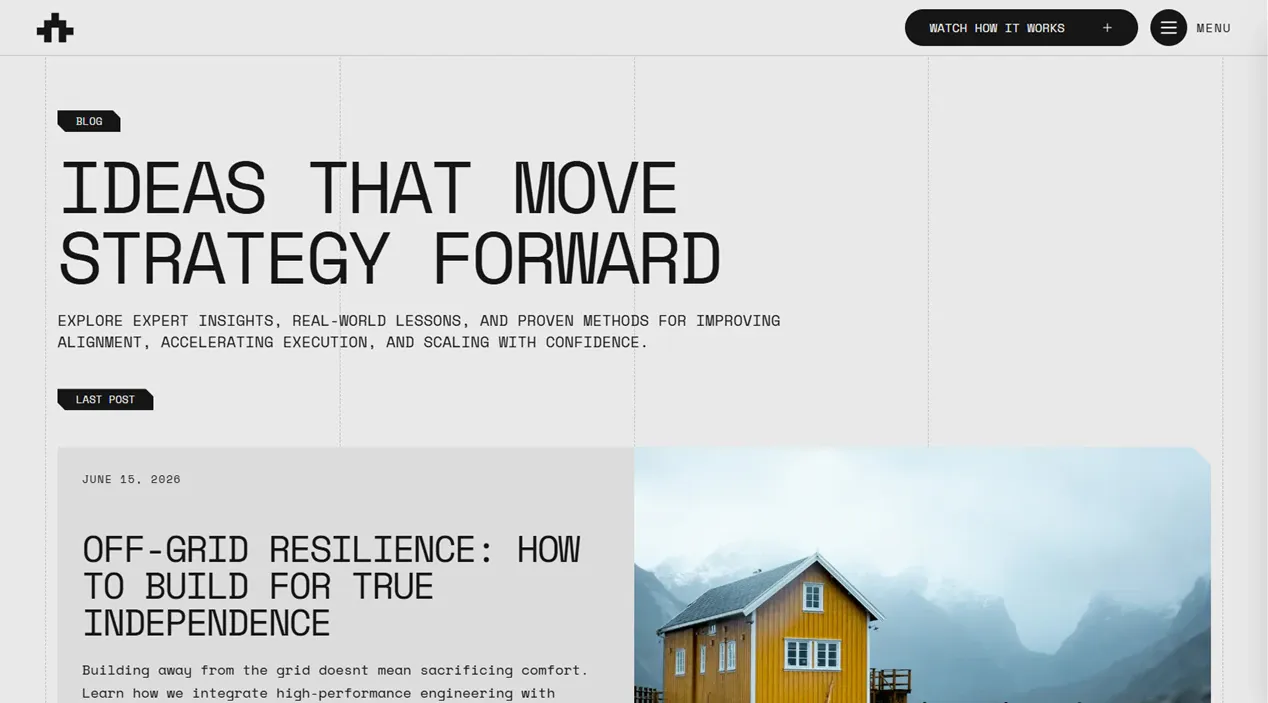
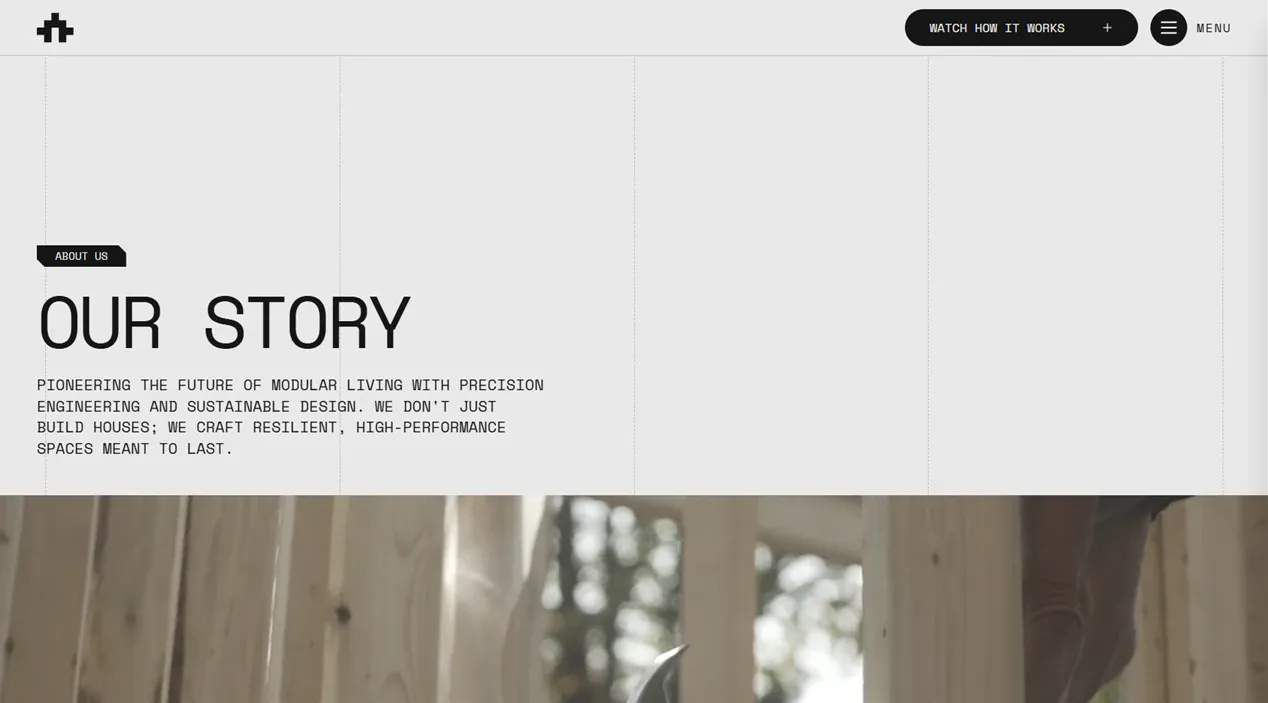
Bark Architecture combines a light editorial layout with the pages an architecture or construction studio actually needs: services, process, projects, company story, articles and contact. Its content collections make new work and posts easy to publish without touching components.
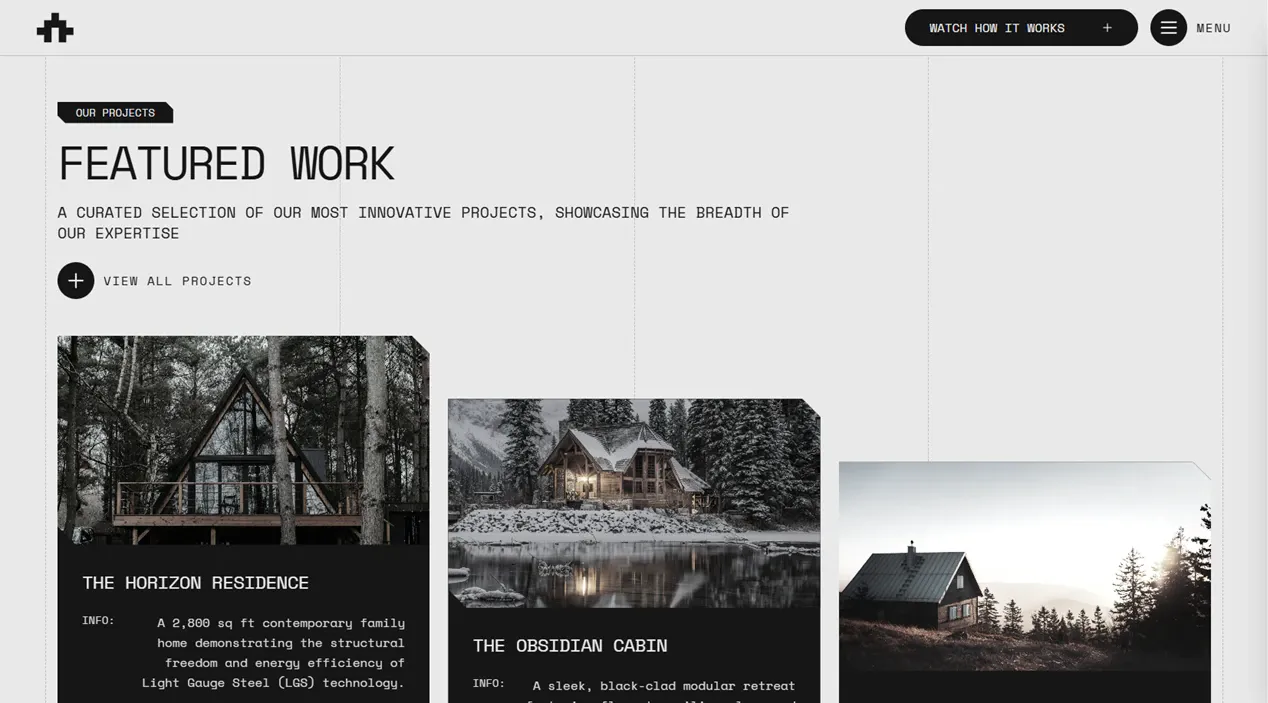
Project case studies with real specs
Every project carries category, location and size, gets its own page under /projects, and pulls related work at the bottom without any manual linking.
A paginated blog with a feed
Listing, article pages, related posts, RSS and sitemap entries. Marking a post as featured is what puts it on the home page.
Site content in typed data files
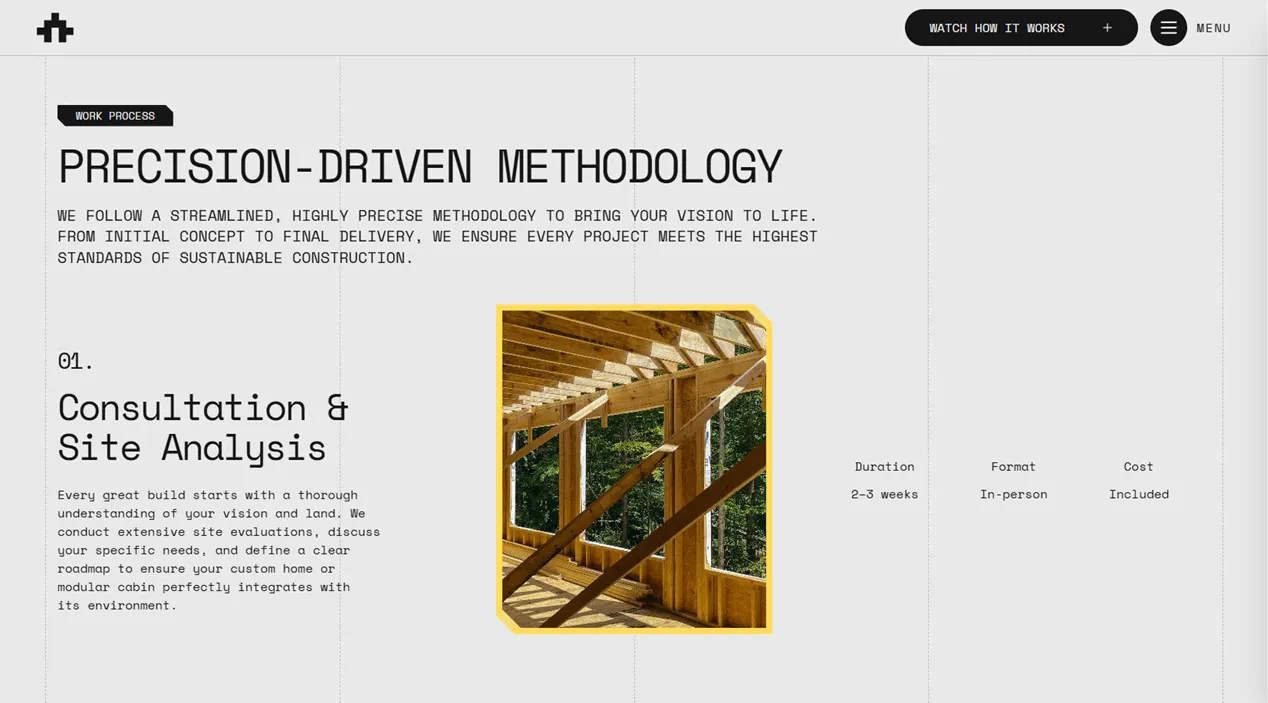
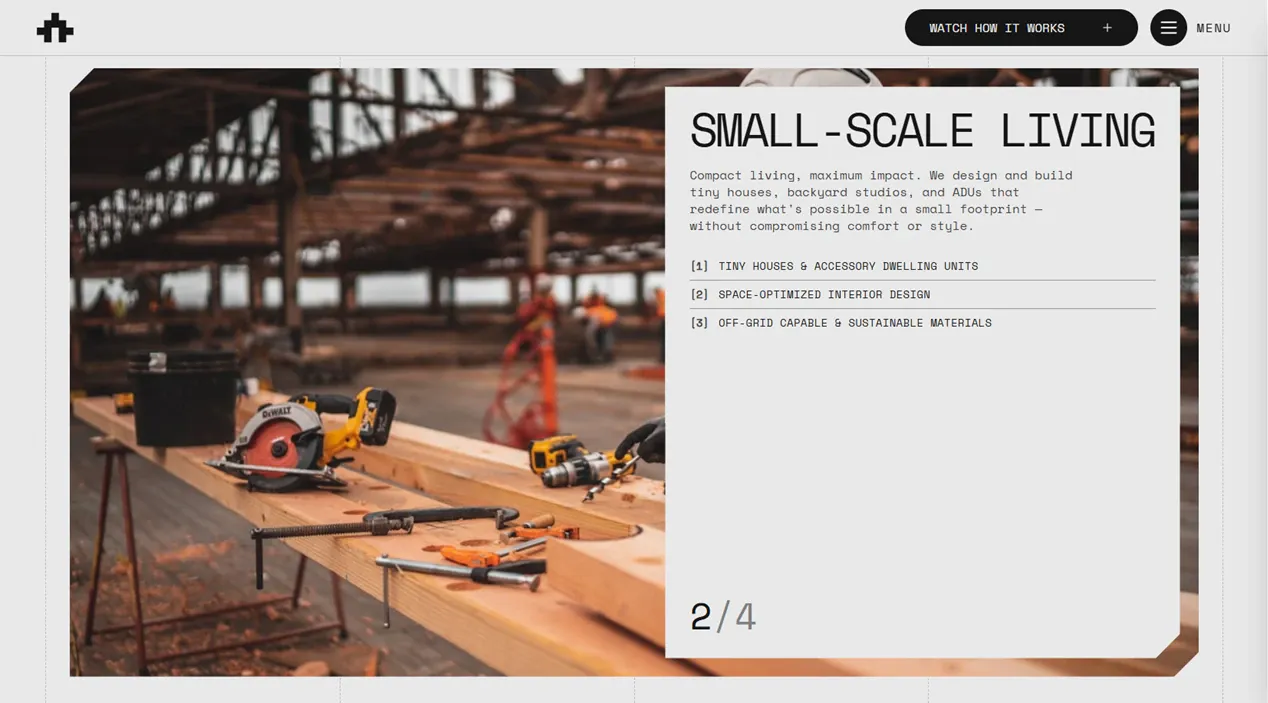
Services, process steps, team, testimonials, locations and FAQs live in config files that feed the components directly. Editing the copy never means opening a component.
Section choreography with GSAP
A hero entrance, scroll-driven blur reveals and accordions, each wired as its own small script instead of one animation bundle you cannot unpick.
Smooth scrolling that does not break hover
Lenis runs globally, and hover states are driven from pointer position rather than CSS so cards do not stay lit after the pointer has left them.
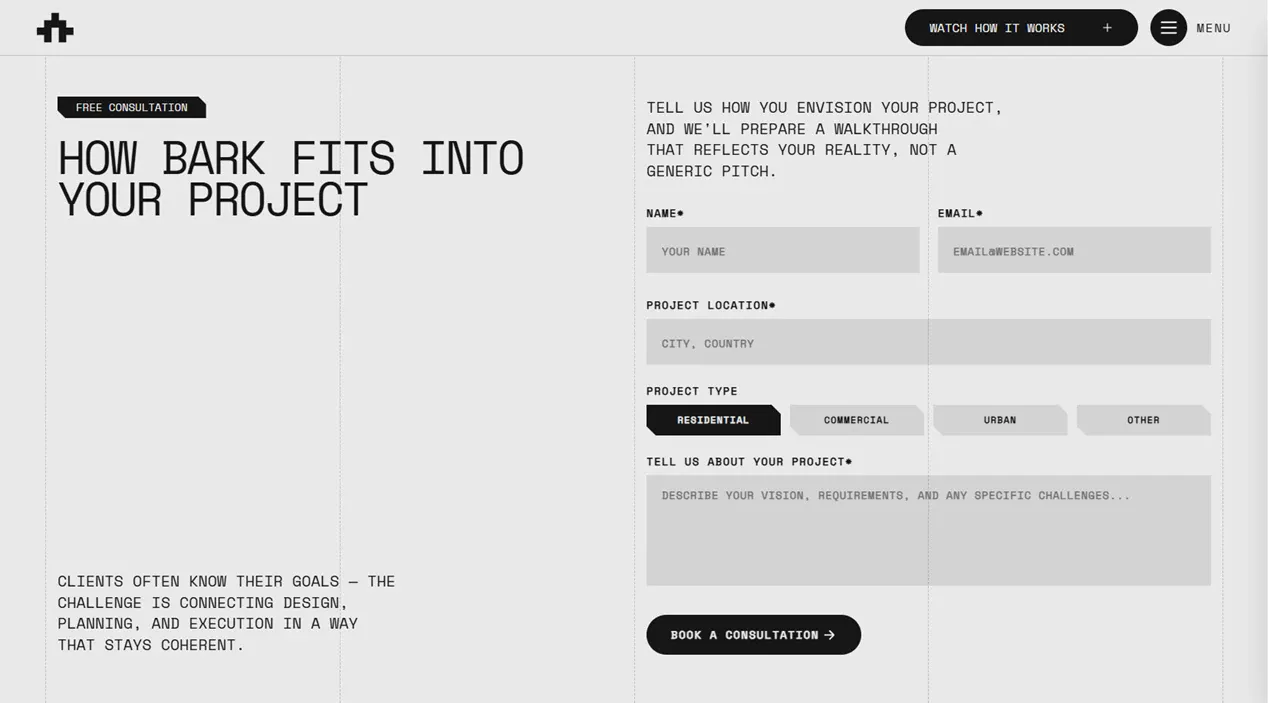
A contact form that holds up
Zod validation on the server, a honeypot, Upstash rate limiting and delivery through Resend, with the errors surfaced in the form itself.
Responsive images, all local
Every image is an asset in the repo, optimised at build time by astro:assets. Vercel's image service is off, so there is nothing billed per transformation.
SEO you can edit in one place
Titles, descriptions and social cards are keys in a single labels file, injected by one head component. The sitemap URL is derived from the config, so it cannot drift.
Typed content collections. You write a file, and the listing, the detail page, the feed and the sitemap pick it up on the next build.
src/content/projects/*.mdCase studies with category, location, size and tags. A new file appears in the listing, gets its own page, joins the related rail and enters the sitemap.src/content/blogs/*.mdArticles with topics, author and reading time. They join the paginated listing, the RSS feed and the sitemap.src/content/legals/*.mdPrivacy, terms and any other policy page.src/config/*.data.tsServices, process, team, testimonials, locations, FAQs, navigation and social links. Typed arrays that feed the sections directly.---
title: 'The New Alpine Cabin'
description: 'Compact modular retreat designed for harsh climates.'
pubDate: 2026-02-10
heroImage: '../../assets/projects/my-project.webp'
category: 'Modular'
location: 'Norway'
sqft: 980
featured: false
tags: ['Modular', 'Steel Framing', 'Off-Grid']
---The copy
src/config/labels.tsEvery user-facing string and every SEO field, read through a typed helper. The company name lives here too, so a typo in a key fails the build instead of shipping.
The typeface
src/assets/fonts/One self-hosted font loaded through Astro's Font API, with no layout shift and no external request. Swapping it is a file, a line in the config and a token.
The palette
src/styles/global.cssColour, type and the clip-corner sizes that give the template its angled cards, all as Tailwind v4 tokens. Change the accent and every surface follows.
Both have a free tier, and the contact form needs them: the ZIP ships an .env.template with the variables to fill in.
A README written for this template, not copied between them, inside the ZIP. It covers:

Try any demo before you decide
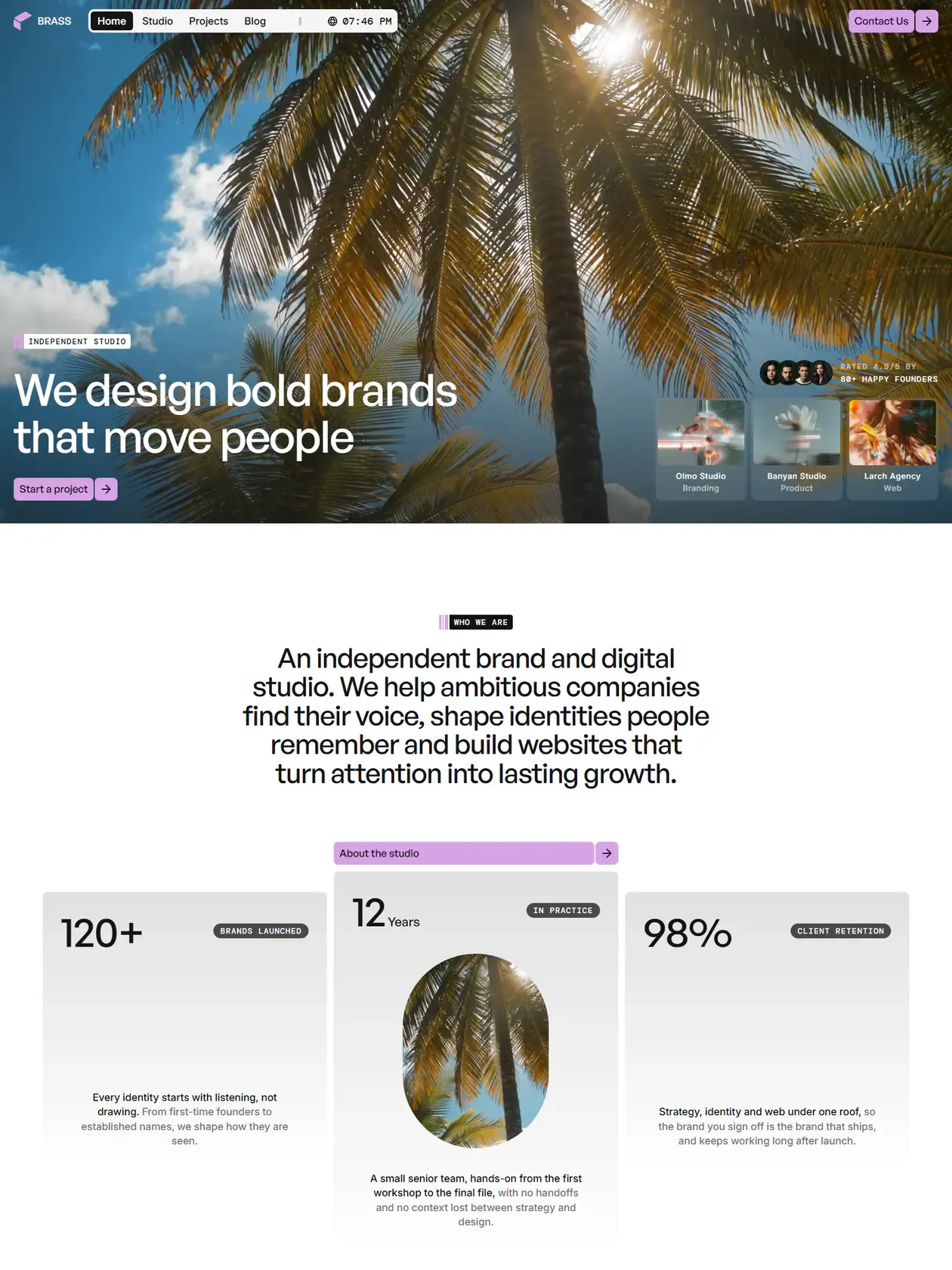
The demos are the real templates, deployed. No signup, no email in the way.