
What is inside
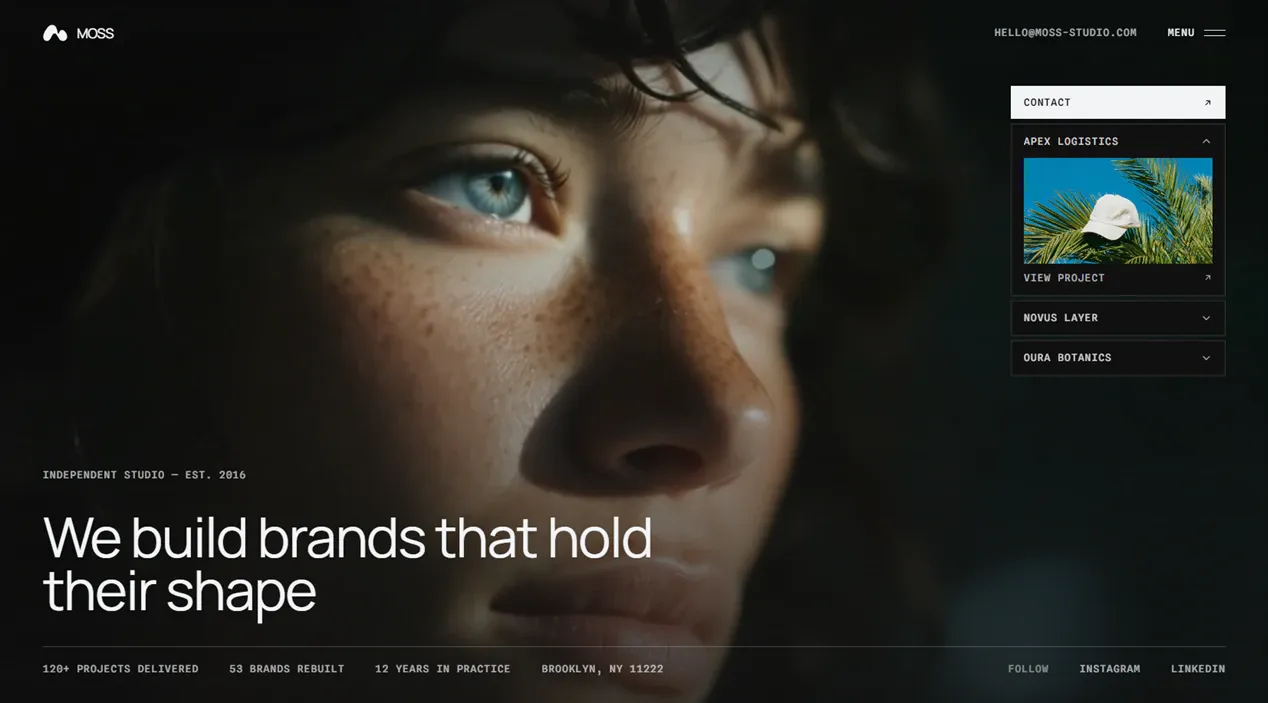
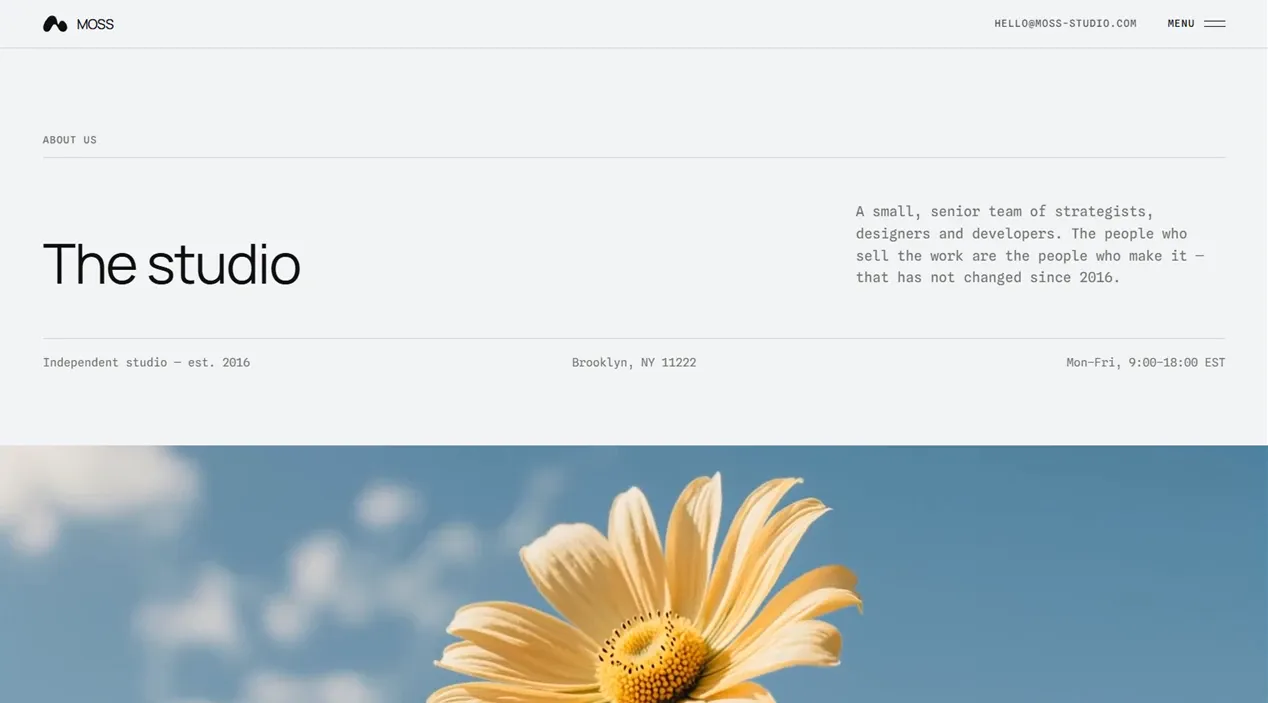
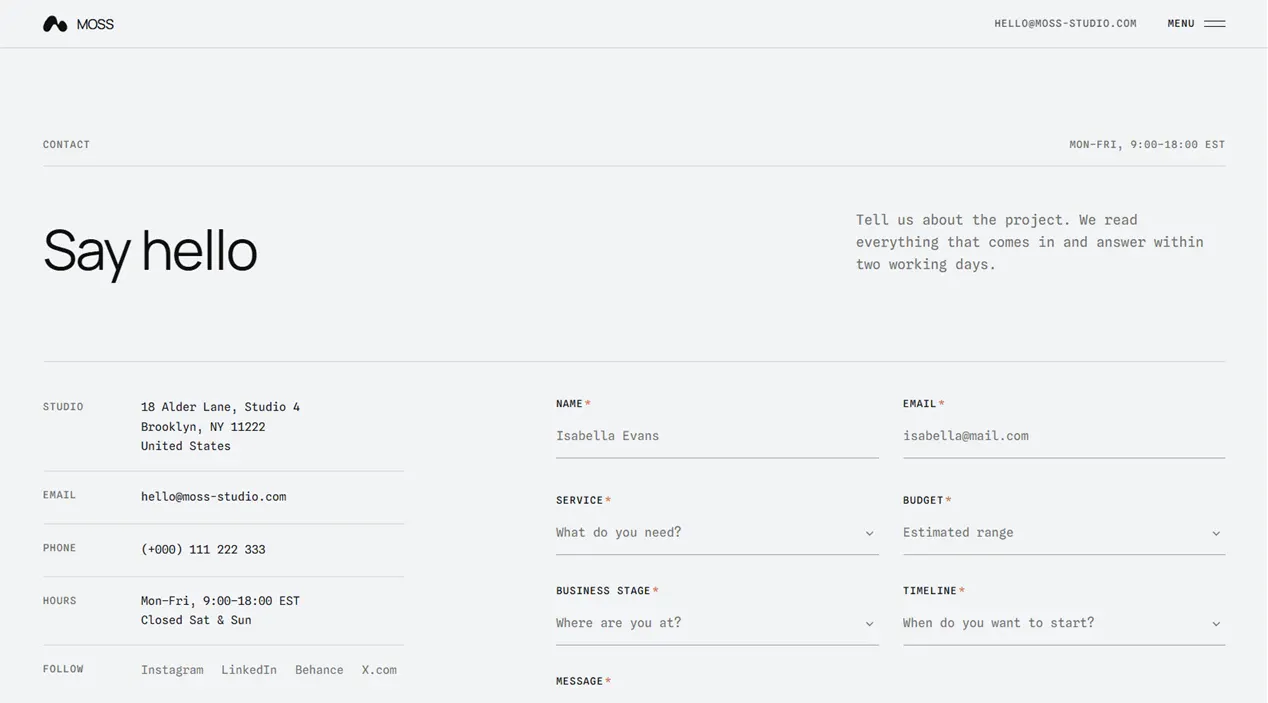
Moss Studio uses a distinctive monospaced system and smooth page transitions to make a small creative practice feel established. Rebranding is concentrated in the site settings and design tokens, while projects, services and journal entries remain independent content files.
Pages that cross-fade, not reload
The View Transitions router keeps the navigation, the promo bar and the scroll engine alive between pages, so moving through the site never flashes white.
A monospaced type system
Two mono families wired as design tokens, with the type scale cut for the wider advance a mono face sets. Headings, wordmark and body all read from two variables.
Projects as real case studies
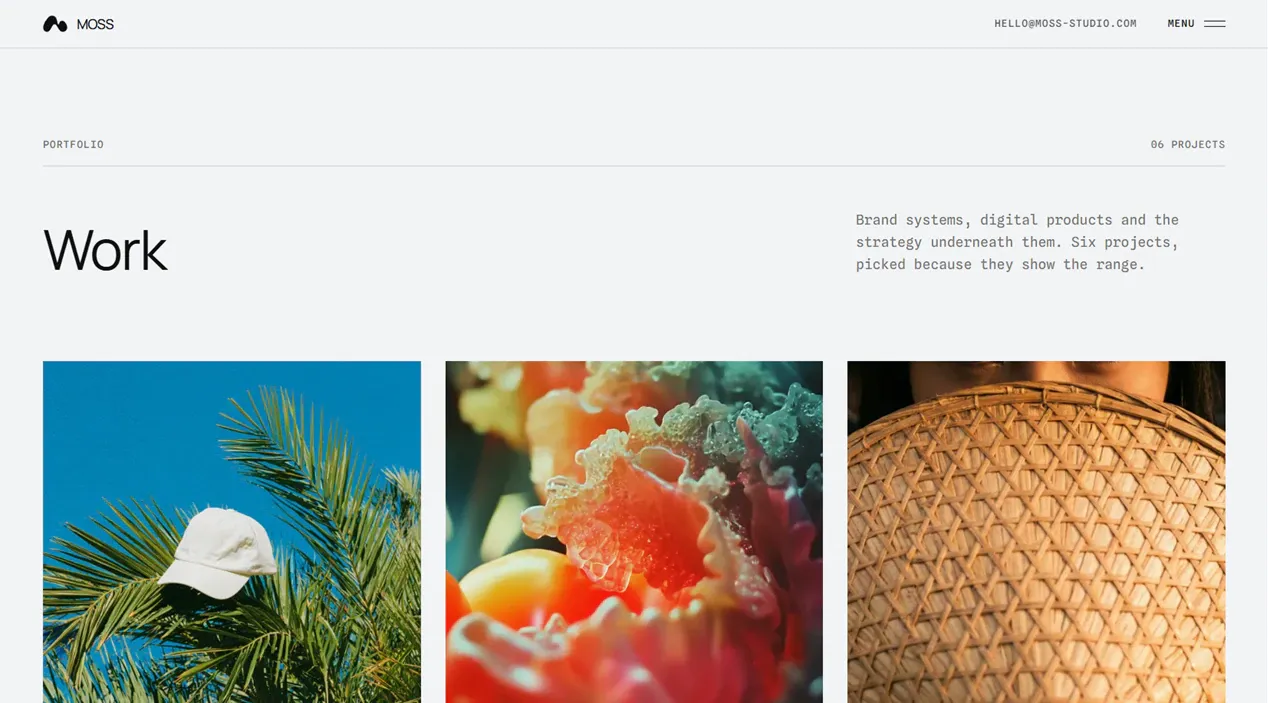
Each project is an MDX file with cover, client, tags and date. Mark one as featured and it surfaces on the home page.
Services that are their own pages
A service file becomes a route, a home-page row and a spec table with starting price and delivery time. Leave a field out and the row drops it instead of printing a blank.
A journal with its own table of contents
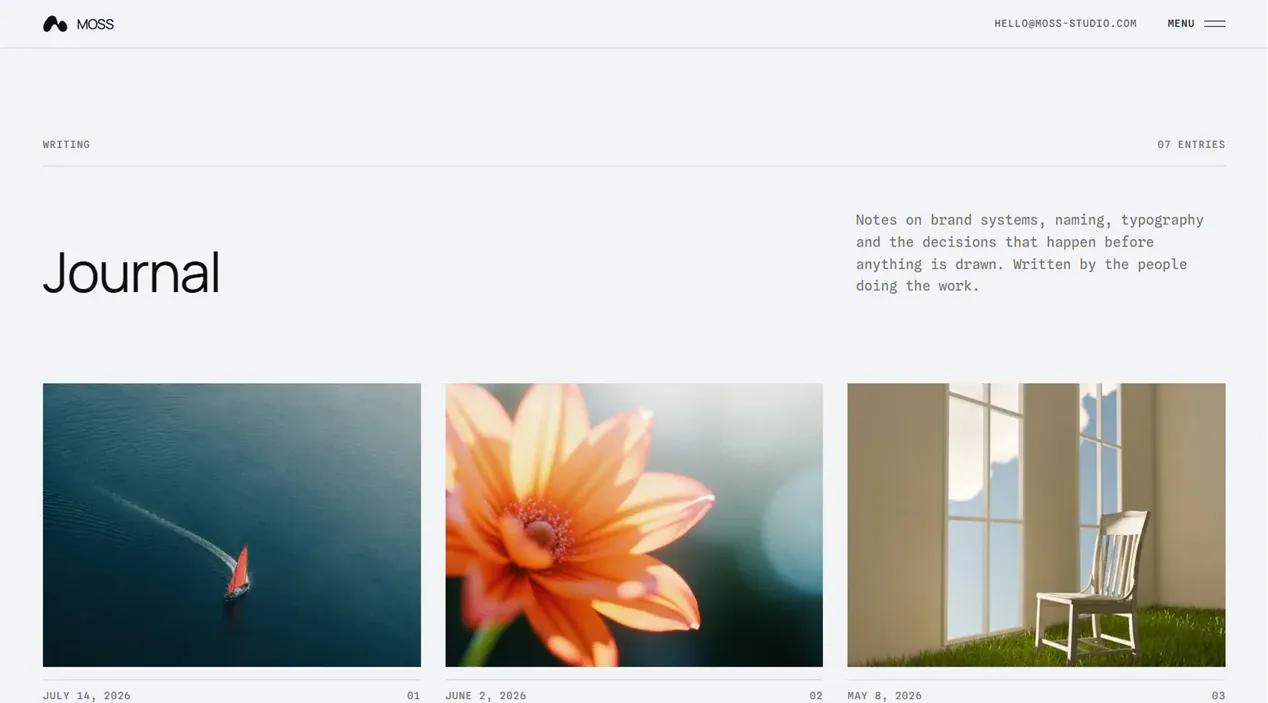
The h2 headings of an entry build the index automatically. The filename is the URL and the entry joins the feed and the sitemap on the next build.
Images that never leave the repo
Every picture is a local asset optimised at build time by sharp. Nothing is fetched from a CDN, so the build works offline and no third party can change a photo after you ship.
A contact form that holds up
Server-side validation, honeypot, Upstash rate limiting and delivery through Resend. It is a real endpoint, not a mailto link.
SEO wired end to end
Canonicals, Open Graph, RSS, sitemap and a robots.txt whose sitemap URL is derived from the Astro config, so it cannot drift from the canonical host.
Typed content collections. You write a file, and the listing, the detail page, the feed and the sitemap pick it up on the next build.
src/content/projects/*.mdxCase studies. Marking one as featured surfaces it on the home page.src/content/services/*.mdxThe filename is the URL, and the list orders itself alphabetically. Nothing to register.src/content/posts/*.mdEntries. The filename is the URL and the RSS feed picks them up.src/content/legals/*.mdPrivacy, terms and licensing.---
title: 'Project Name'
description: 'One line for cards and social previews.'
coverImage: '../../assets/projects-img/project-name/cover.webp'
tags: ['Branding', 'Web']
client: 'Client Name'
date: 2026-03-15
featured: true
clientLink: 'https://example.com'
---The name
src/config/site.tsThe only place the studio is named. Every string is built from it, and no component hardcodes a name. The wordmark is one SVG that inherits its colour.
The typefaces
astro.config.mjsBoth families are named here and nowhere else. Change them to any Google Fonts family; Astro downloads and self-hosts them, with no request to Google at runtime.
The palette
src/styles/global.cssSix colour tokens drive the whole site. The design is flat by intent — no shadows, no blur — so depth comes from hairlines and motion, not from the colours.
Both have a free tier, and the contact form needs them: the ZIP ships an .env.template with the variables to fill in.
A README written for this template, not copied between them, inside the ZIP. It covers:
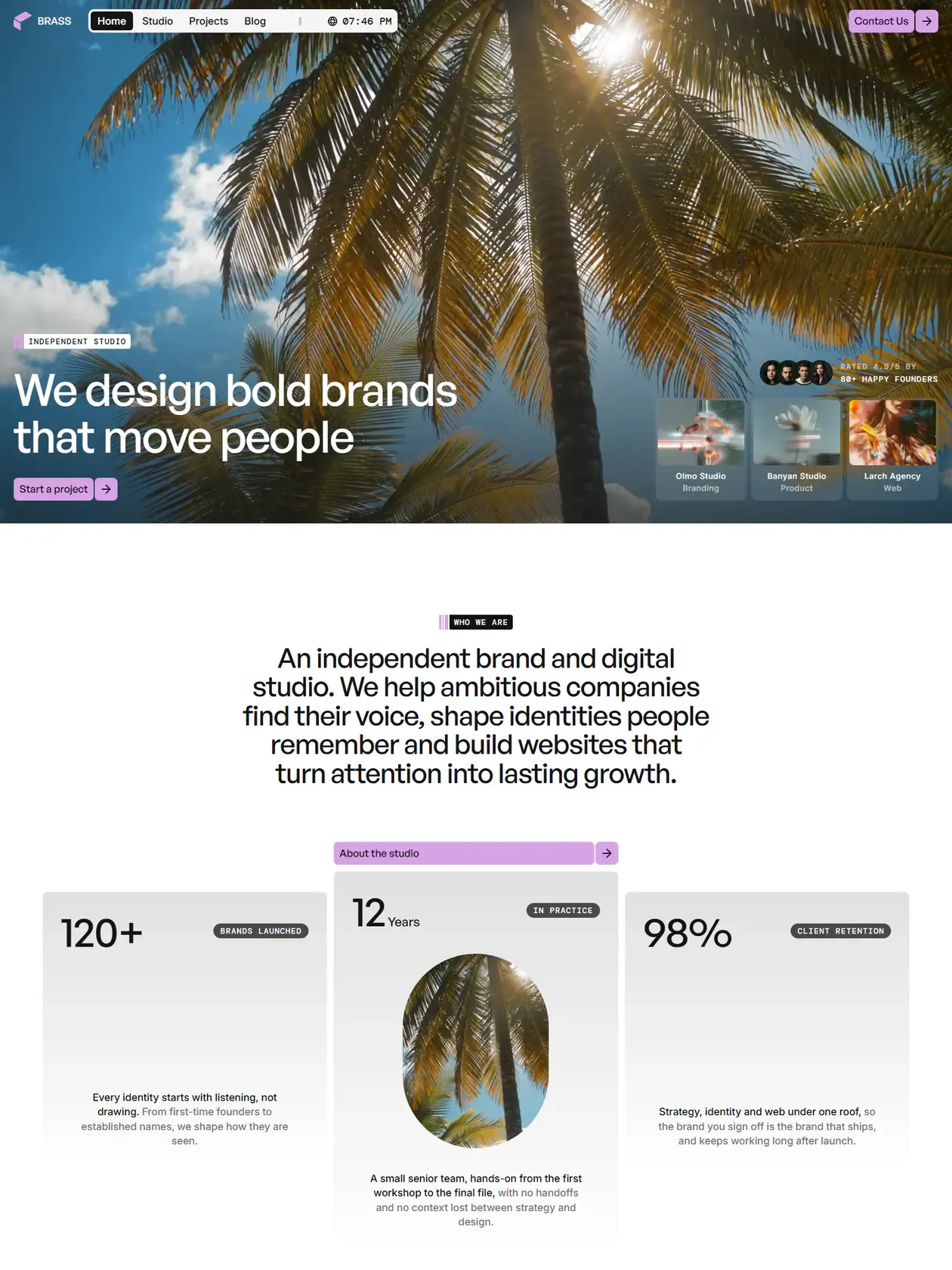
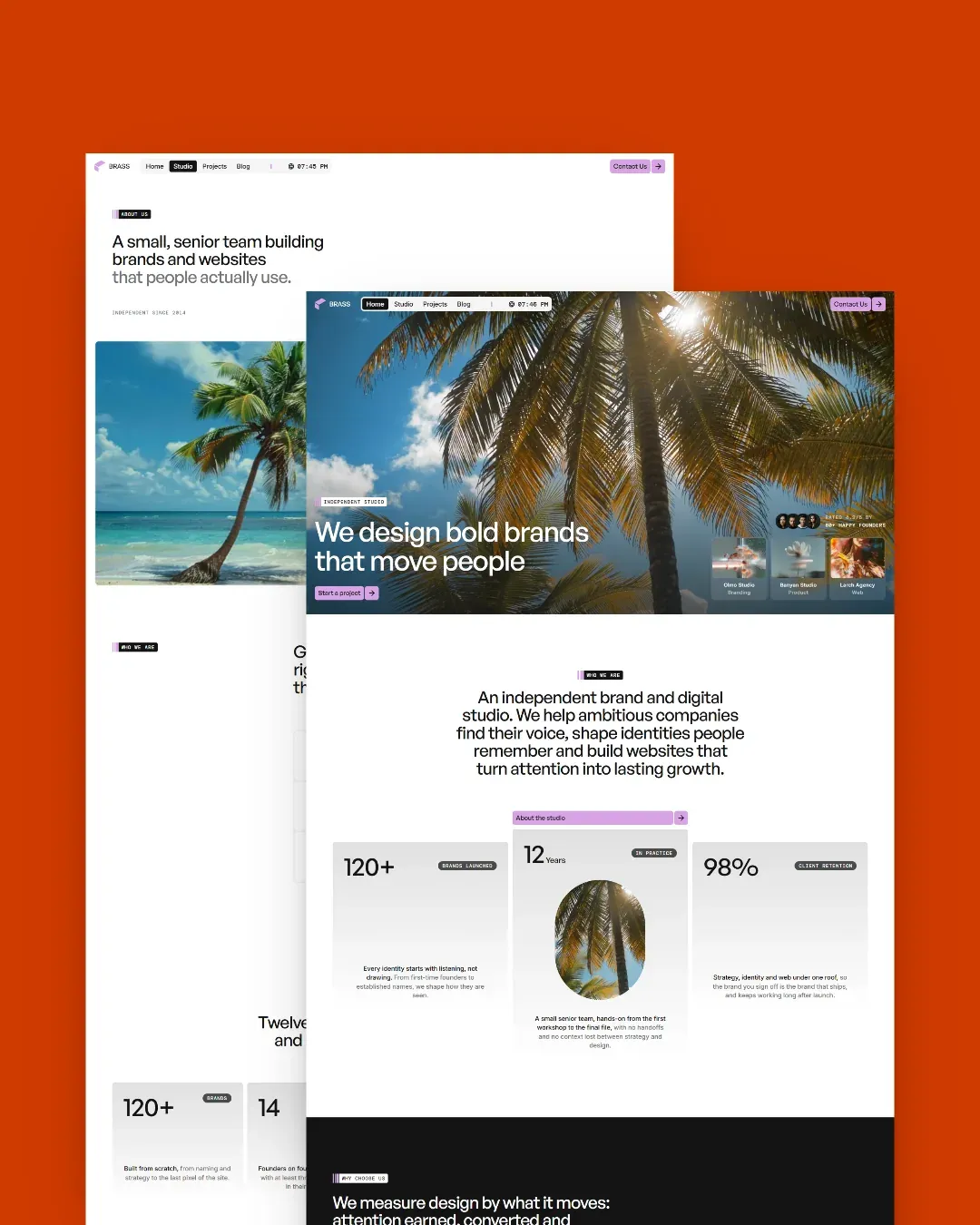

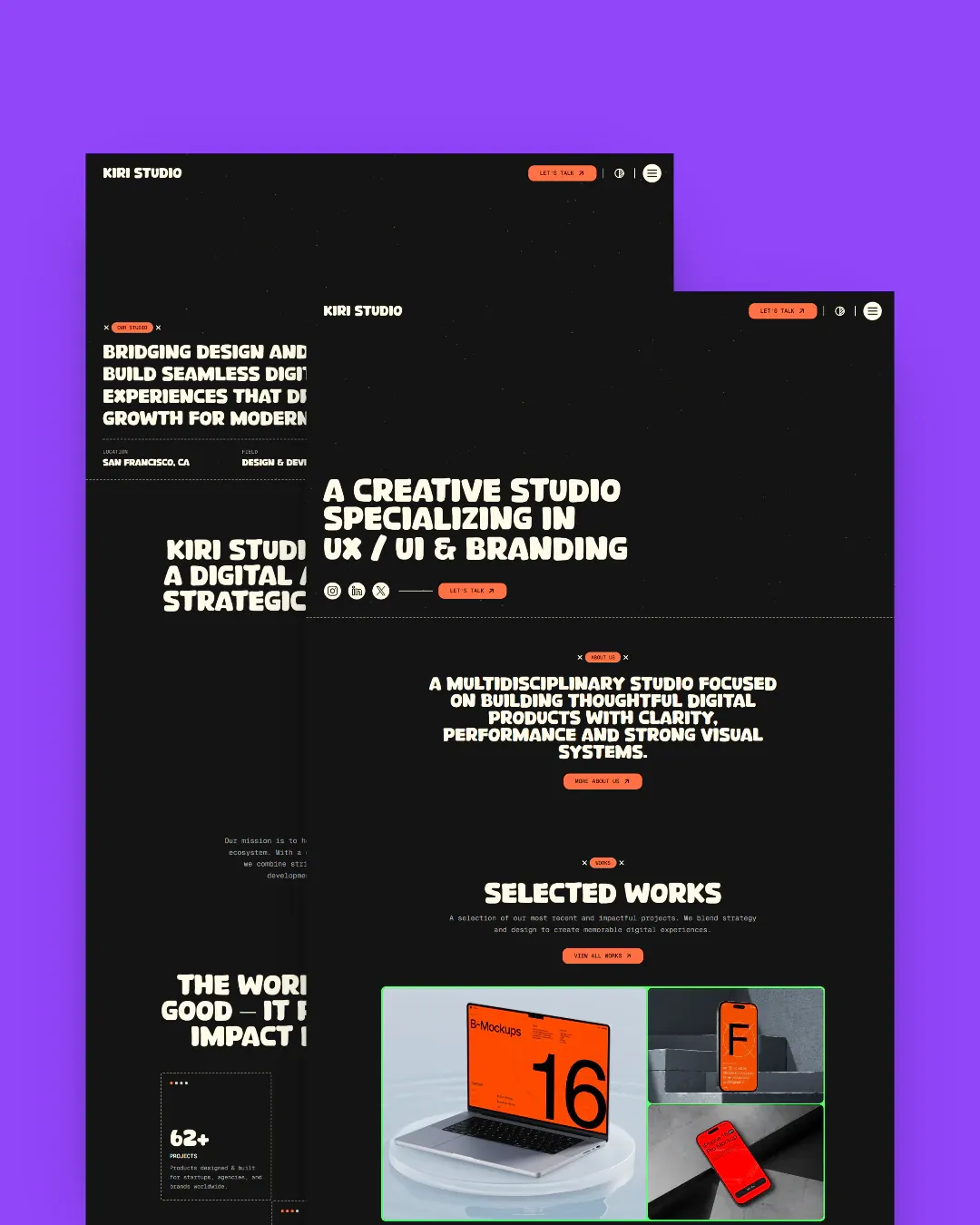
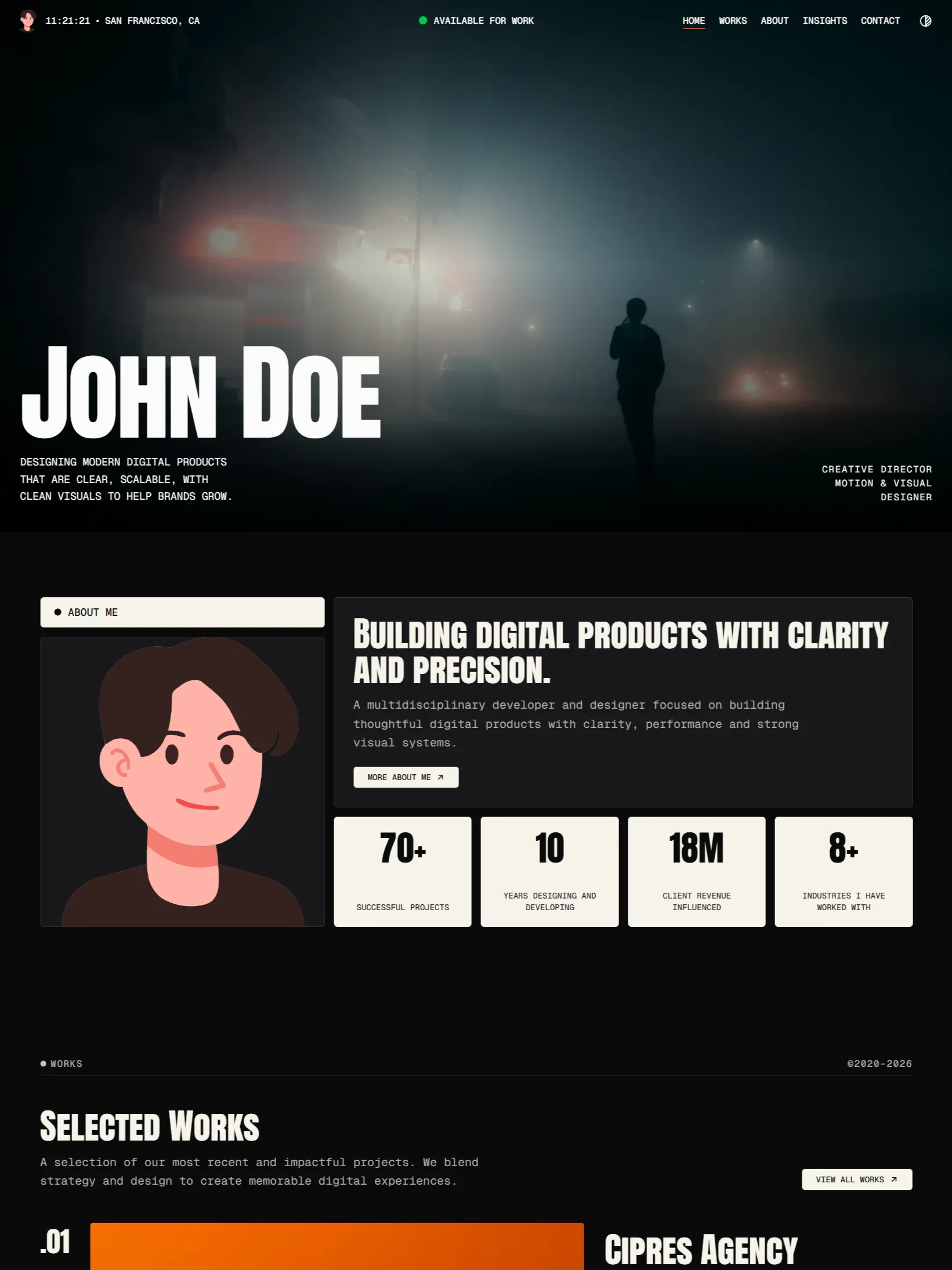
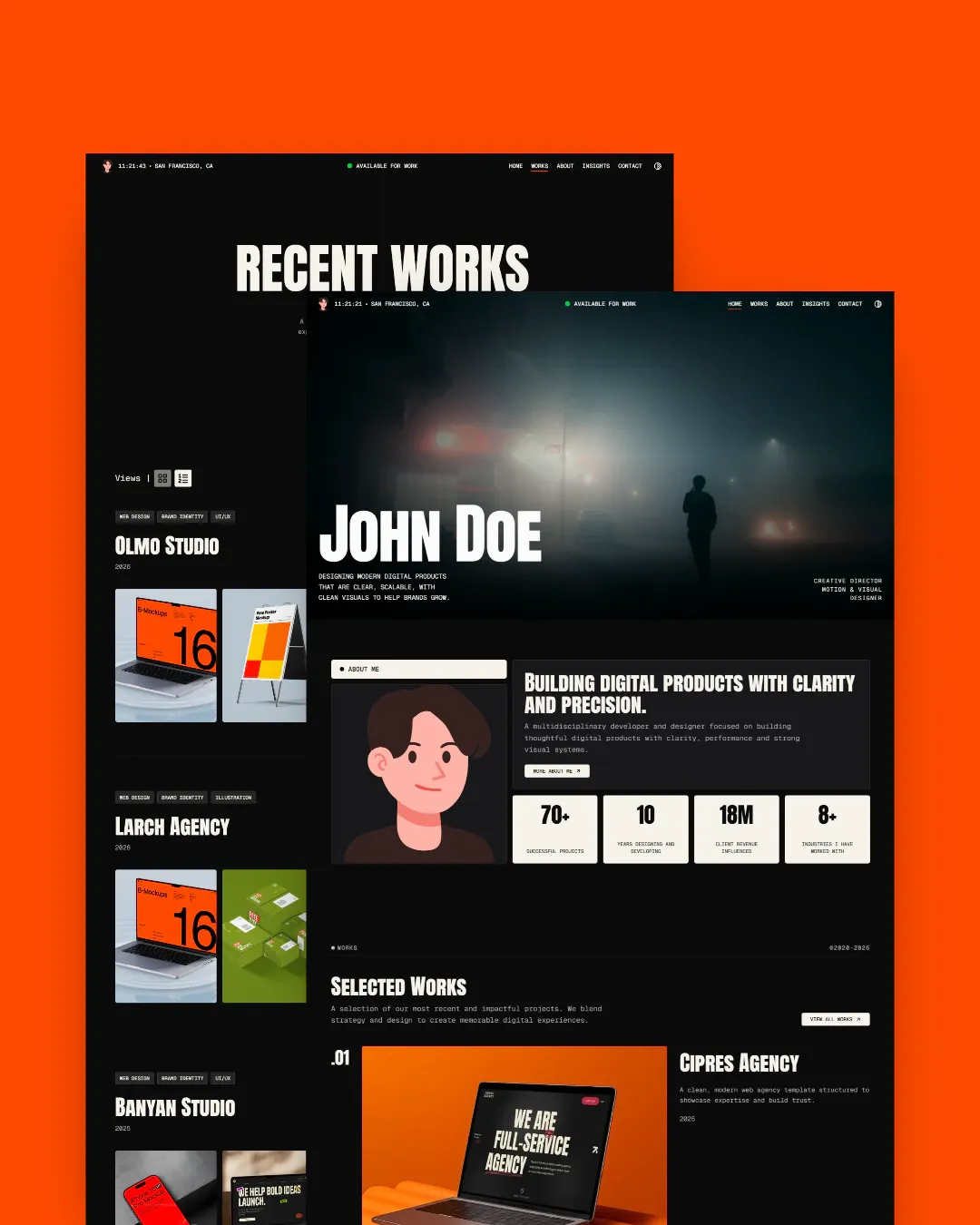
Try any demo before you decide
The demos are the real templates, deployed. No signup, no email in the way.