Where to Host an Astro Site: Vercel, Netlify or Cloudflare
For a studio or client site, all three will serve your pages fast. The differences are in the license terms, the one route that runs on a server, and whose account it lives on.
Most comparisons of Vercel, Netlify and Cloudflare are written for apps: edge functions, databases, streaming, build minutes at scale. A studio site, a portfolio or a small-business site needs almost none of that. For those, all three hosts are fast, cheap and a few clicks from your repository. The choice comes down to less obvious things, and those are what this post covers.
What actually needs hosting
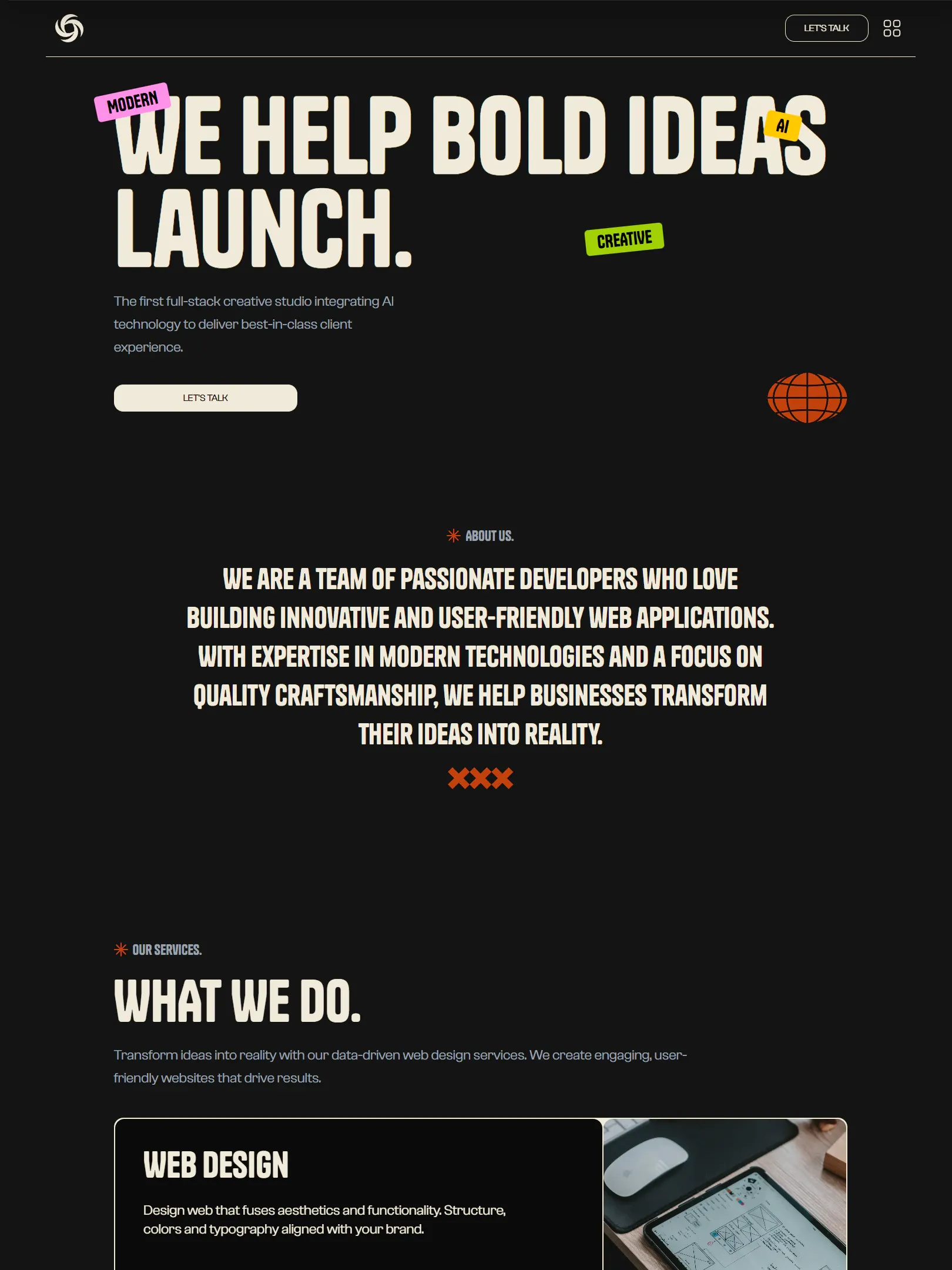
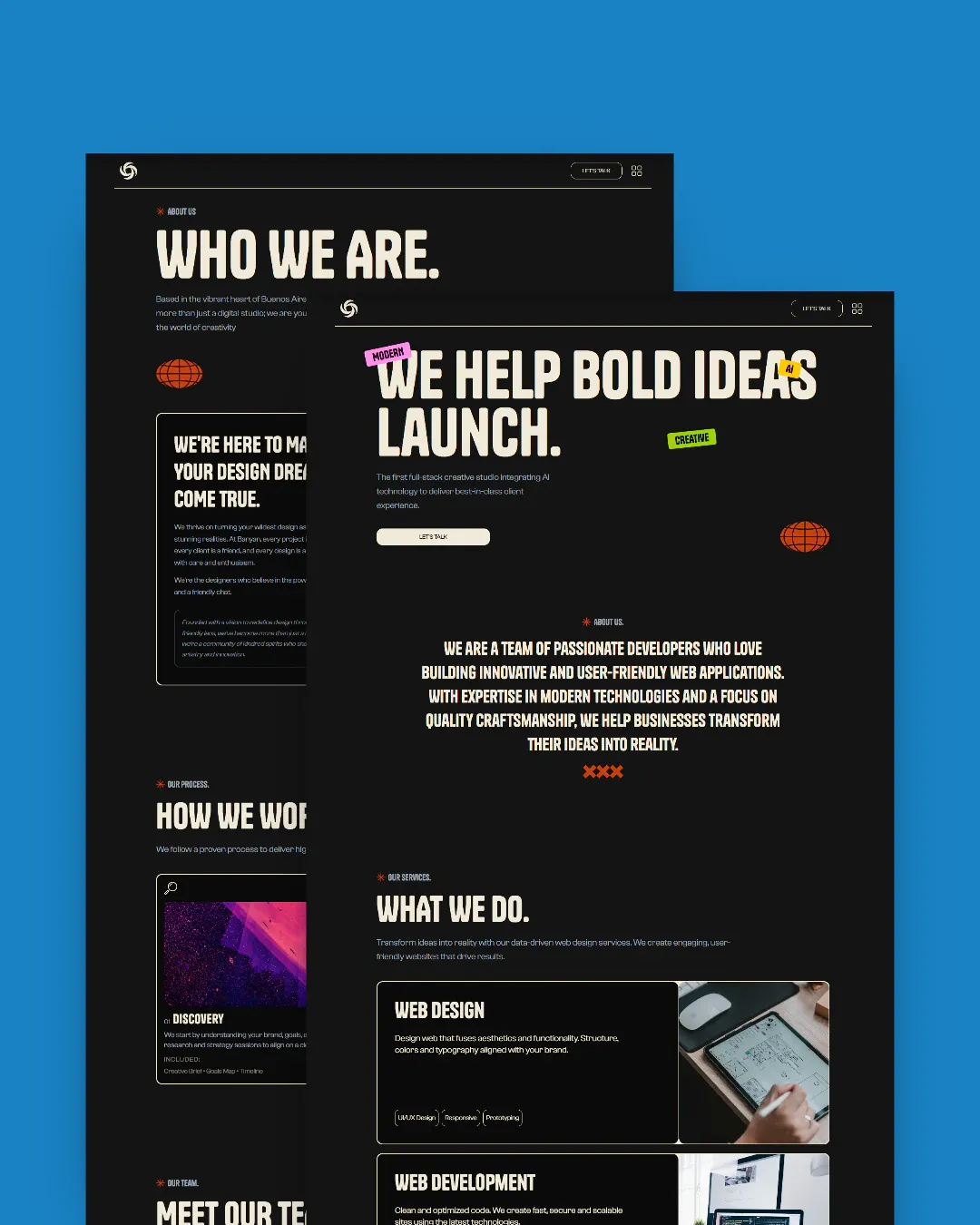
Start with what an Astro site like ours ships. Every page — home, projects, services, the blog — is prerendered at build time into plain HTML. Those files go to a CDN and nothing runs when someone opens them. That part works the same on every host, and it is most of the site.
The exception is the contact form. A form that validates on the server, blocks spam, rate-limits and sends email needs a small piece of code that runs on demand. In our templates that is one Astro Action; everything else stays static. That one route is why the project uses an adapter, and it is where the hosts actually differ.
It also needs secrets: an email API key, and a Redis URL and token if the form rate-limits. Those never go in the repo. You set them in the host’s dashboard, and the server route reads them at runtime.
So the real question is not “which host is fastest”. It is: which host do you want running one small function, holding a few secrets, and billing someone for it?
Vercel
Vercel is where our demos live, and for good reason: connect the repo, it detects Astro, and it deploys. Preview deployments for every branch are excellent for showing a client changes before they go live. The server route runs as a Node function, so nothing in the form code needs special care.
The catch is the license, not the tech. Vercel’s free Hobby plan is for personal, non-commercial projects. A site you build for a paying client is commercial. That means a Pro plan, billed per team member, which is fine if you already pay for it and adds up if every client has their own account.
One more thing to watch: Vercel can optimize images on its side, billed per transformation. Our templates turn that off and optimize every image at build time with astro:assets, so a busy portfolio page does not show up on an invoice. If you add images loaded from somewhere else, check that setting before you turn it back on.
Netlify
Netlify feels a lot like Vercel: connect the repo, build, deploy, preview links for every branch. The adapter turns the form route into a Netlify Function, and environment variables live in the site settings.
The difference that matters for freelancers is that the free plan allows commercial sites. For a brochure site with a contact form, that free allowance usually goes a long way. Usage beyond it is metered, so take a look at how function calls and bandwidth are counted before a client’s site goes viral, not after.
Netlify also has its own form handling. You do not need it here. The template’s form already validates, rate-limits and sends email through your provider, so turning on Netlify Forms as well would only give you two systems to keep in sync.
Cloudflare
Cloudflare has the most generous free tier of the three for static traffic, and serving files from its network is what the company does best. If the client already has their domain and DNS on Cloudflare, putting the site there too keeps everything in one place.
The thing to understand is the runtime. The server route does not run on Node. It runs on Cloudflare Workers, which is close but not identical, and some Node packages will not work there. The templates’ email and rate-limiting services both talk over plain HTTP, so they run fine. But if you add a library to the form route later, check that it supports Workers before you ship it.
Cloudflare has also been moving new projects from Pages to Workers, and Astro’s adapter follows that. In practice, the setup is the same either way: connect the repo, set the build command, add the secrets, push. Just do not be surprised if a tutorial from a year ago shows a dashboard that no longer exists.
The comparison
| Vercel | Netlify | Cloudflare | |
|---|---|---|---|
| Free plan for a client site | No — Hobby is non-commercial | Yes, metered beyond the allowance | Yes, very generous for static traffic |
| Where the form route runs | Node function | Node function | Workers runtime |
| Preview deploys per branch | Yes | Yes | Yes |
| Best fit | You already pay for Pro | Many small client sites on free plans | Client’s domain already on Cloudflare |
None of these rows is about speed. For a prerendered site, real visitors will not tell the three apart.
What bites on every host
Whichever you pick, these are the mistakes that show up after launch, not during it:
- Secrets set in the wrong environment. Hosts separate preview and production variables. A form that works on the preview link and fails silently on the real domain is almost always this. After the first deploy, send a test message from the production URL.
- The production URL left on the default. Canonical tags, the sitemap and social cards are built from the site URL in the config. If it still points at a
.vercel.appor.netlify.appaddress, search engines get told the wrong one is the real site. - Domain without redirects. Pick
wwwor the bare domain, and redirect the other one to it. All three hosts do this in a couple of clicks. It just has to be done. - Previews that get indexed. Preview links are great for clients and bad for search results. Check that they are not indexable, and do not post them anywhere public.
Whose account is it
This matters more than which host you pick. If the site lives on your account, you are its landlord indefinitely: billing, renewals and the email when something breaks are all yours, years after the project ended.
Create the hosting account, the email provider and the Redis database under the client’s name, and invite yourself as a collaborator. The client keeps the site if you part ways, and you can stop being the reason their form works. On Vercel this also settles the license question, because the paid plan is theirs, not yours.
What about GitHub Pages or your own server
Any host that serves static files will serve the pages. GitHub Pages works, as long as the repository stays private, since the License does not allow publishing a template’s source. What a static-only host cannot do is run the form route. You would have to point the form at an external service, and you would lose the server-side validation and rate limiting the template already does for you.
A VPS with Node works too, using Astro’s Node adapter. It is a fine choice if you already manage servers. If you do not, it is the one option on this list that makes you responsible for updates and uptime.
The short version
For a prerendered Astro site, speed is not the deciding factor — all three are fast. Use Vercel if you or the client already pay for Pro. Use Netlify if you want client sites on a free plan that allows commercial use. Use Cloudflare if the domain already lives there and you are comfortable with the Workers runtime. Whichever you pick, put the accounts in the client’s name and test the form on the real domain.
Every template in the catalog ships with the configuration for all three, plus a deployment guide covering the environment variables, so the first deploy takes minutes, not an afternoon.