Astro vs Framer for Portfolio Websites
One is a visual builder that hosts your site. The other is a codebase you own. The choice is less about features than about what you want to be responsible for.
We sell Astro templates, so read this knowing where we stand. That said, Framer is a good product and there are portfolios where it is plainly the right answer. The useful question is not which is better. It is which set of trade-offs you want to live with for the next three years.
The actual difference
Framer is a visual builder with hosting attached. You design in the canvas, you press publish, and your site is live on their infrastructure. The design tool and the runtime are the same product.
Astro is a static site framework. You write components and content, it builds HTML, and you put that HTML anywhere. The design happens in code, and the output is a folder of files that belongs to you.
Everything below follows from that one difference.
Where Framer wins
Time to live. If you can design, you can have a portfolio online in a day without touching a terminal. That is a real advantage and it is not close.
Iteration without a deploy. Change something, publish, done. No build step, no git, no pipeline.
Animation without writing it. Framer’s whole history is interaction design. Doing the same motion in code takes longer, even with a good library.
One less thing to run. Hosting, CMS, forms and analytics come in the box. For a solo designer, “one subscription and no infrastructure” is a legitimate reason to choose it.
Where Astro wins
You own the output. The build is HTML, CSS and a little JavaScript, sitting in a folder. Host it on Vercel, Netlify, Cloudflare Pages, or a bucket. If you stop paying anyone, the site does not disappear — you move it somewhere else in an afternoon.
One payment instead of a subscription. A hosted builder is rent. A template is a purchase. Over three years the difference is not small, and it compounds if you run several sites.
The performance ceiling is higher. Astro ships static HTML and hydrates only what actually needs it, which means a portfolio can genuinely be zero JavaScript on most pages. A visual builder has to carry its own runtime because it has to render what you designed in the canvas. Both can score well; only one starts from nothing.
Full control of the markup. Every tag, every attribute, every bit of structured data. If you care about semantics, accessibility details, or a specific JSON-LD shape, you write it. In a builder you get what the builder emits.
Content as files. Your case studies are Markdown in a repo. They are diffable, greppable, versioned, and portable to whatever you build next. Content inside a hosted CMS is portable in theory and annoying in practice.
No platform risk. Pricing changes, feature removals, and acquisitions are somebody else’s decisions that become your problem. A static site has no such exposure.
Where it is a genuine tie
SEO. Both can do it properly. Framer gives you titles, descriptions and a sitemap; Astro gives you the same plus whatever else you are willing to write. The difference matters at the margin — canonical edge cases, custom structured data — not at the basics. Anyone claiming a builder cannot rank is selling something.
Design quality. This is you, not the tool.
The question that actually decides it
Not “which is faster to launch” — Framer is. It is this: when you want to change something in two years, what do you want to be true?
If the answer is “I open the canvas and drag it”, pick Framer, pay the subscription, and stop reading.
If the answer is “I open the repo and change a component, and nobody can take that away from me”, pick Astro. The cost is that you need to be comfortable with a code editor, a git repository and a deploy — not an expert, but comfortable.
What a template changes about that cost
Most of the Astro learning curve is not Astro. It is the first build: layout, routing, image handling, a working contact form, SEO tags, deploy config. A good template removes all of it and leaves you the part you actually want to do — content and brand.
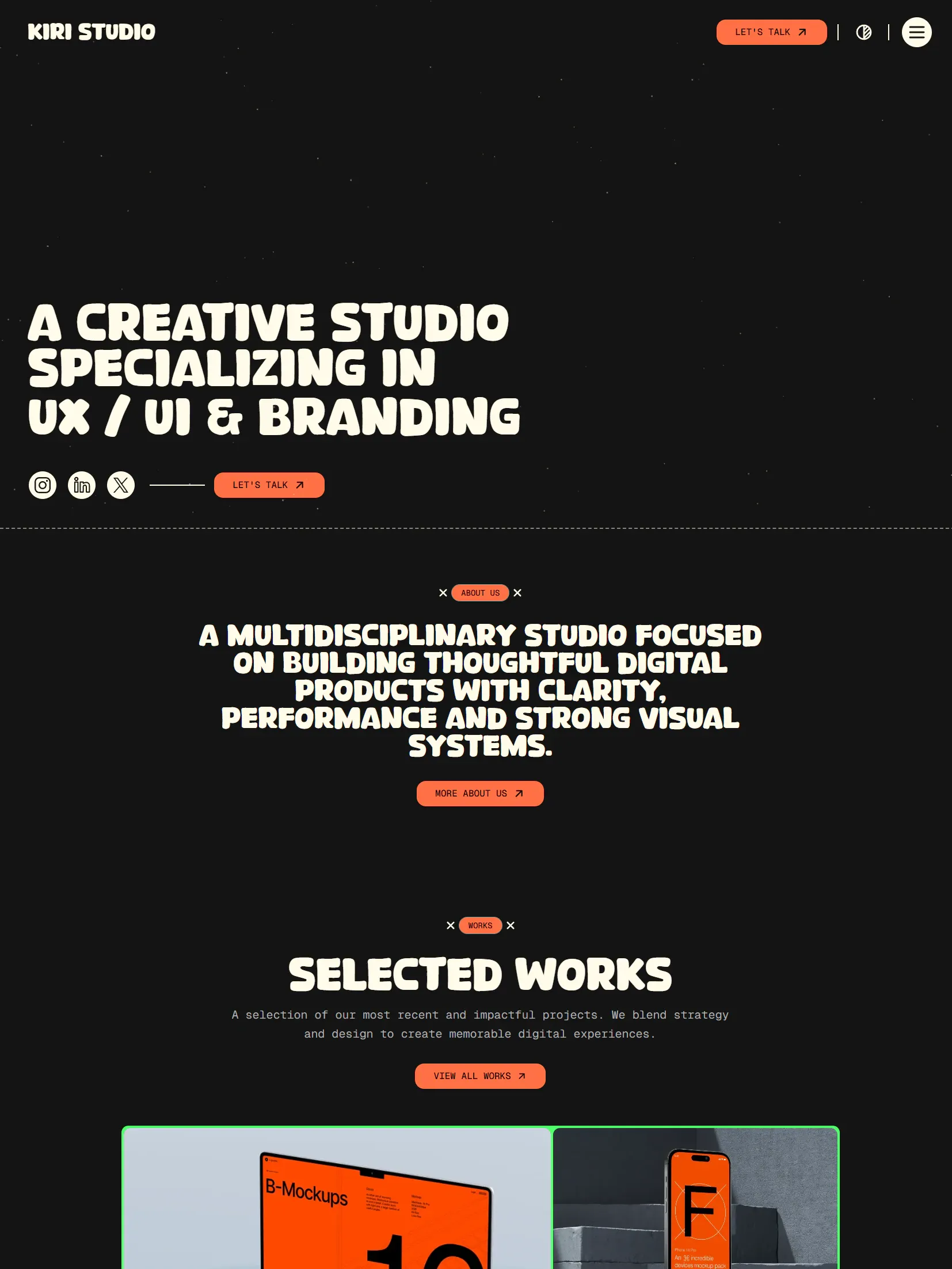
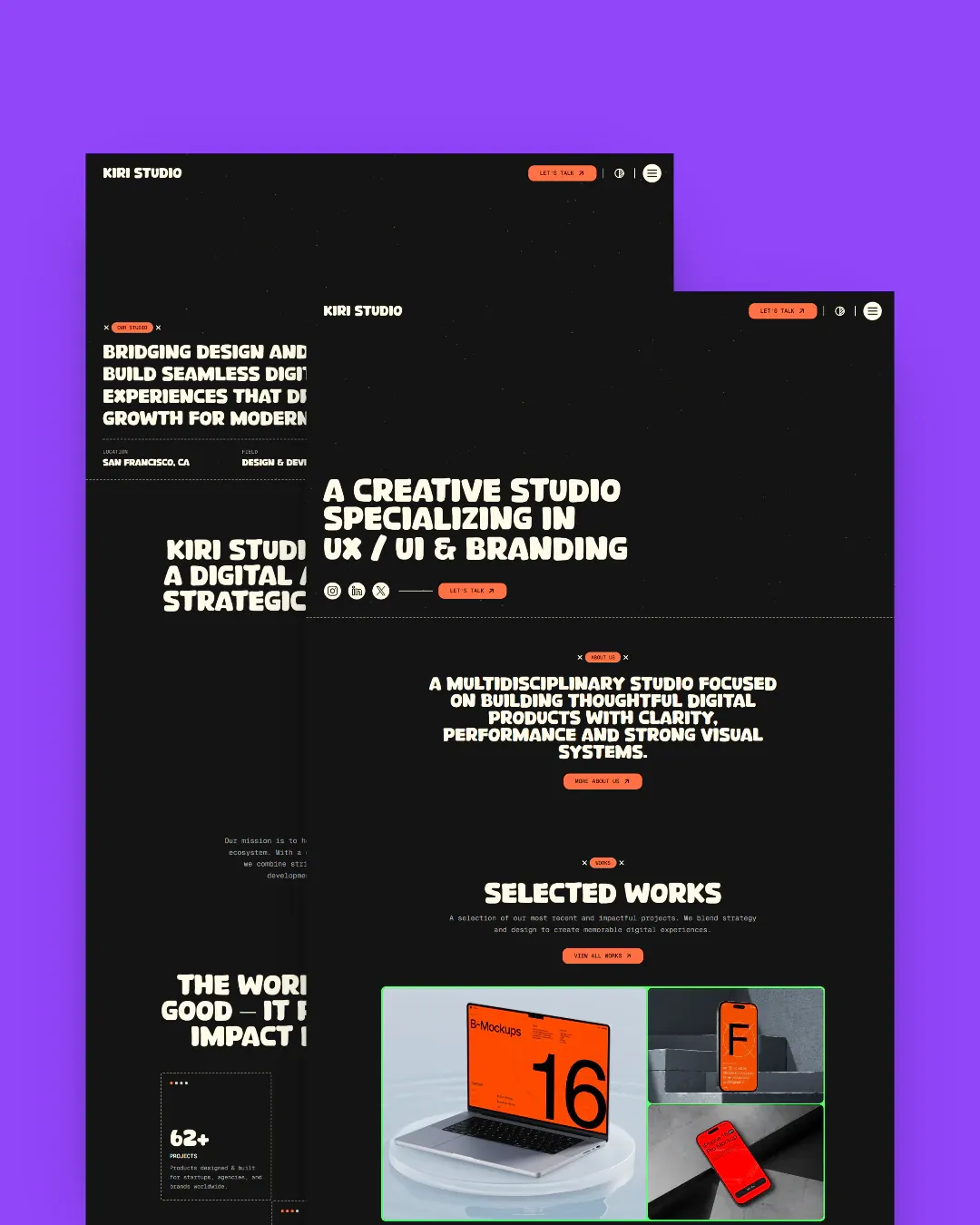
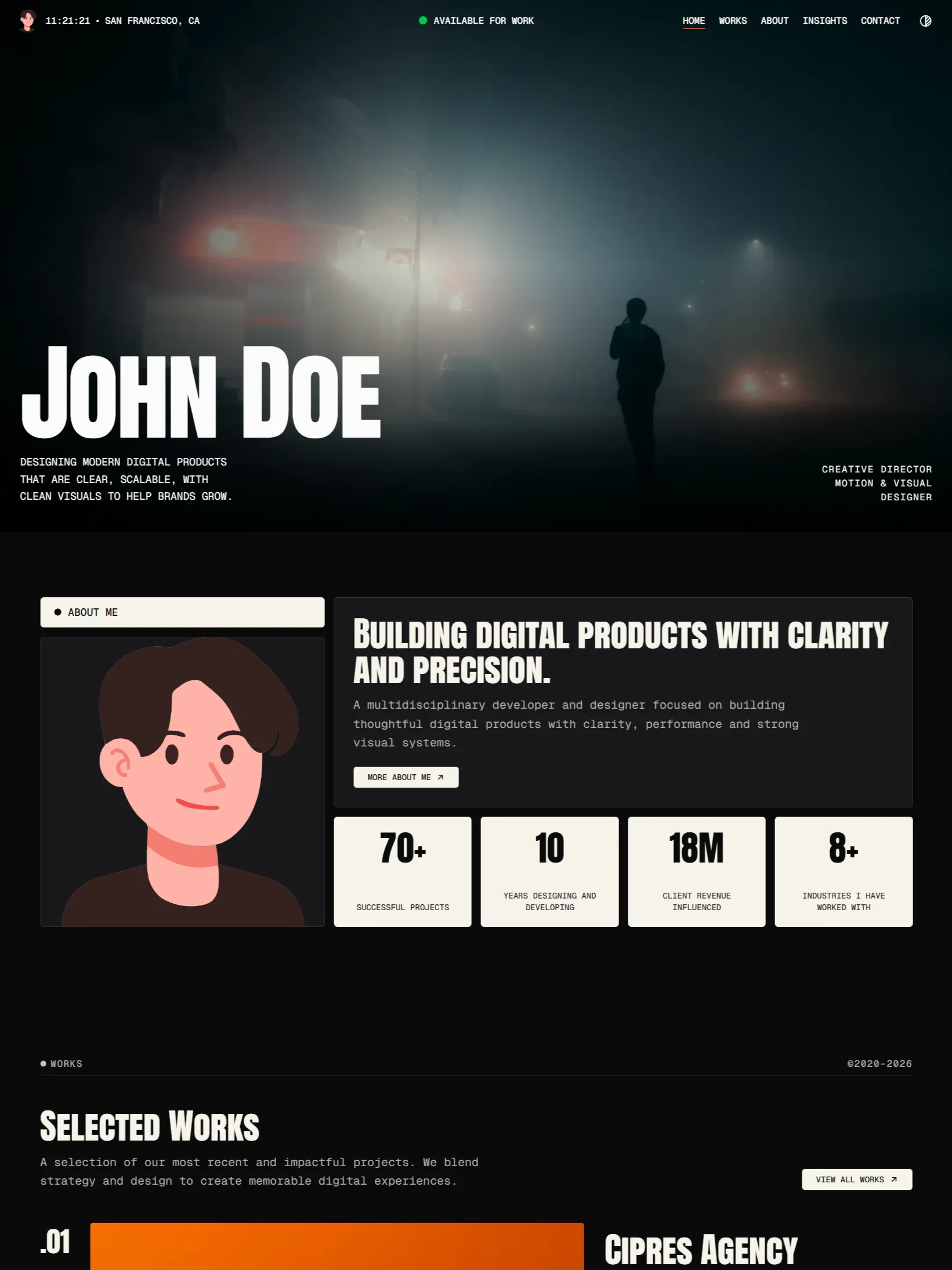
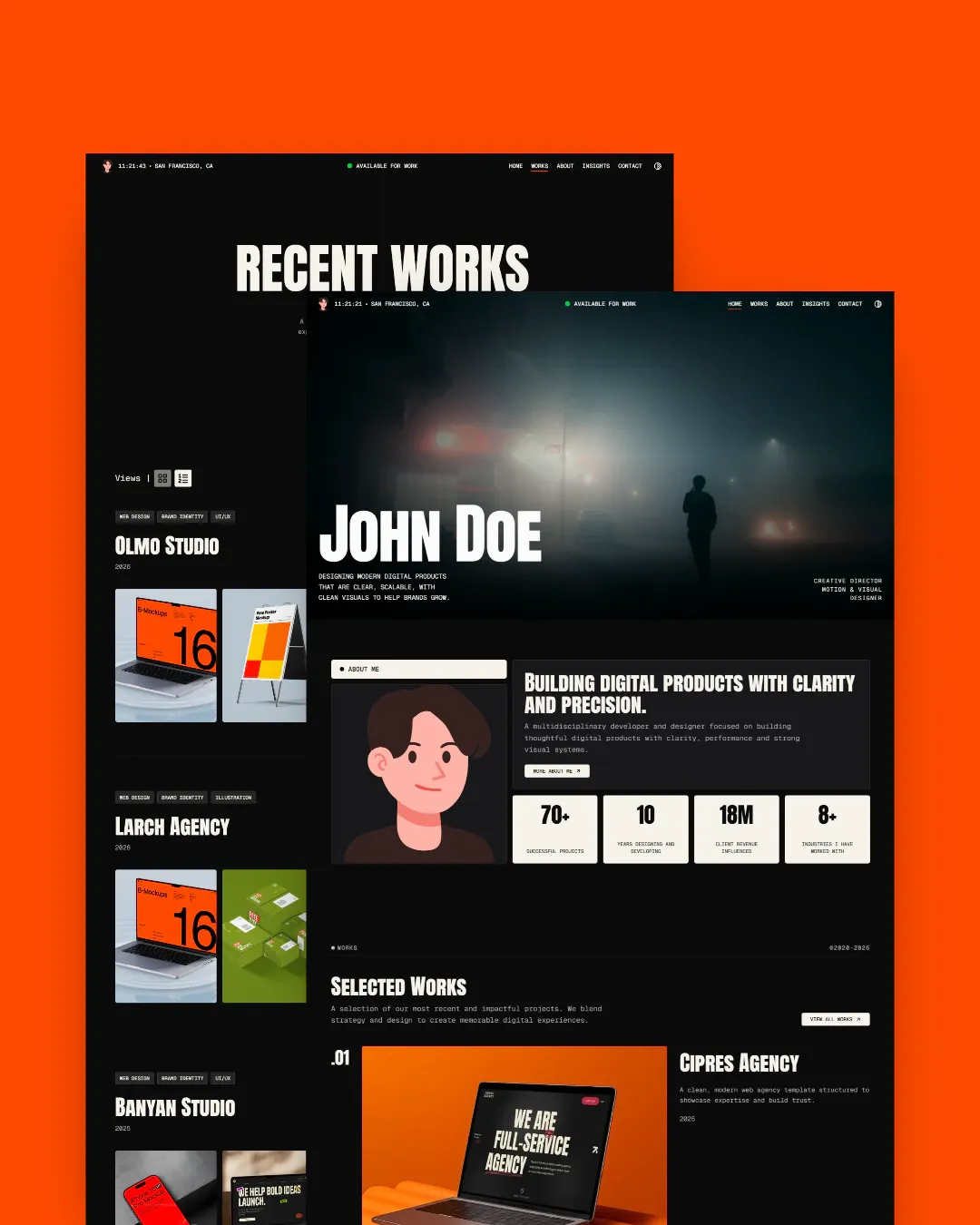
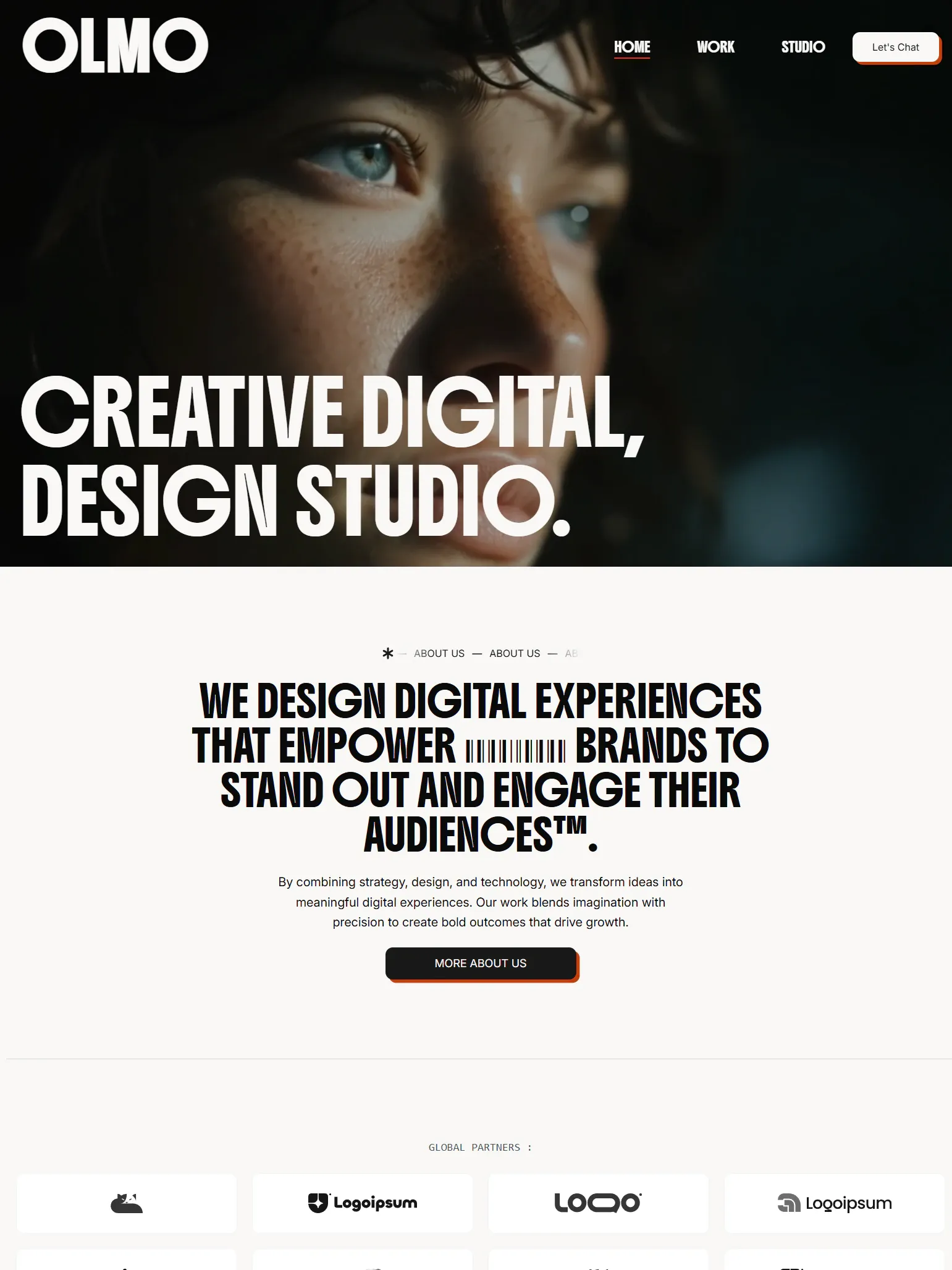
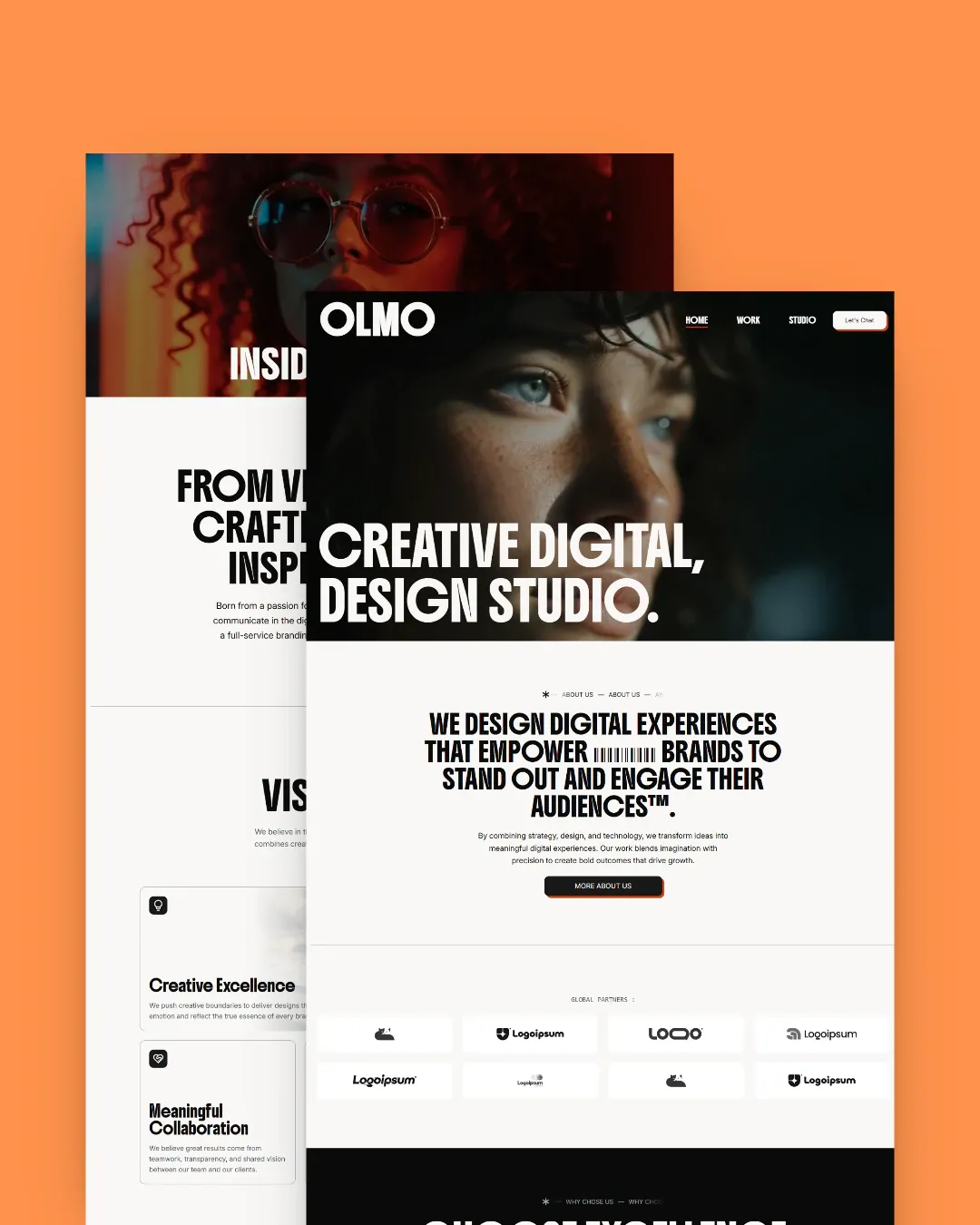
That is what our portfolio templates are for. Kiri Studio and Service Folio both ship with persistent light and dark themes, case studies and an article collection; Olmo Studio is the cleaner, quieter option with a production-ready lead form. All three are Astro 7 and Tailwind CSS 4, with the content in Markdown.
If you want to compare the shape of them first, the demos are the real templates, deployed: see the portfolio templates.
The short version
Framer is renting a finished thing. Astro is owning an unfinished one that a template finishes for you. Pick based on what you want to be responsible for in three years, not on what is faster this weekend.