

What is inside
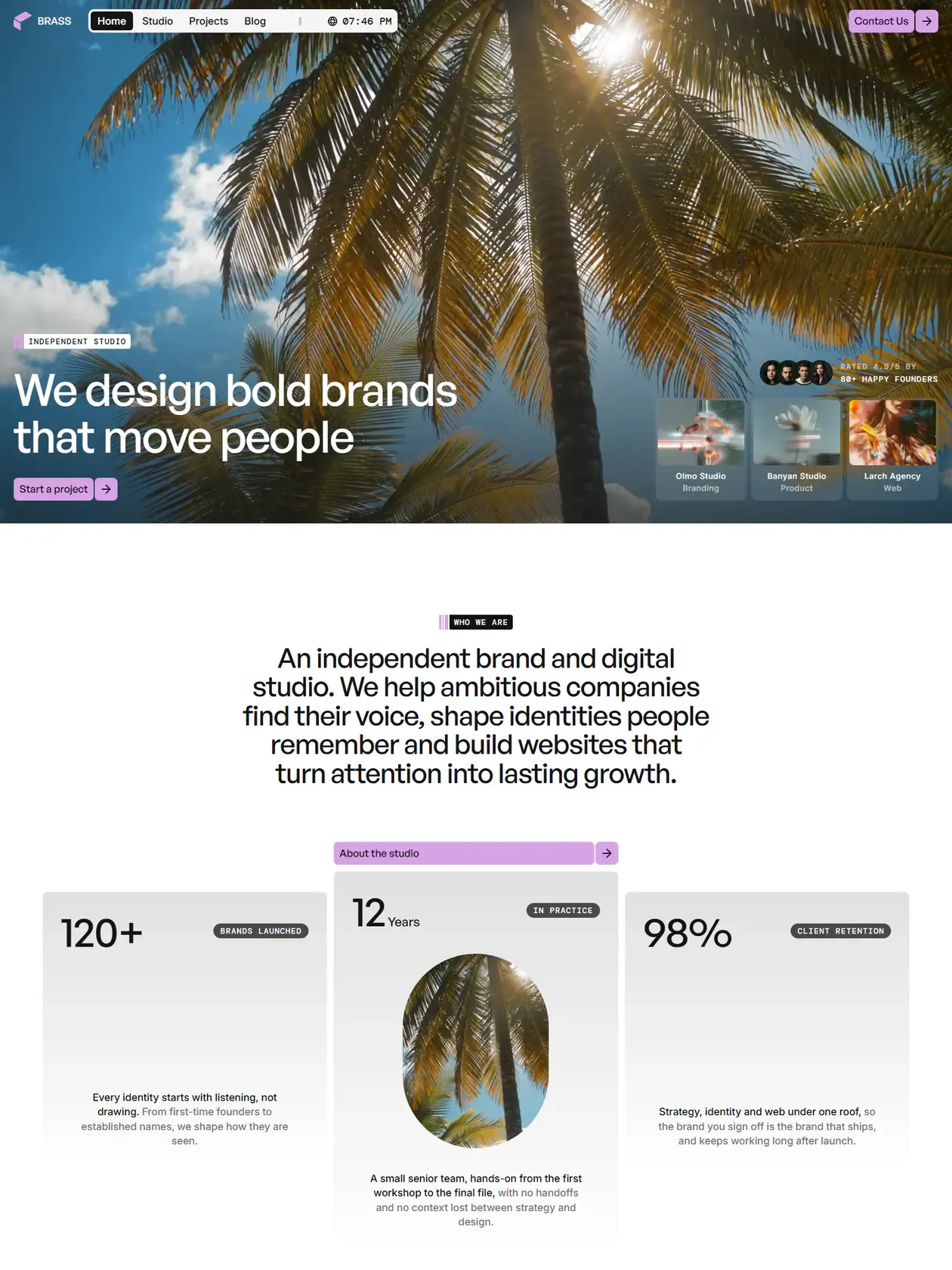
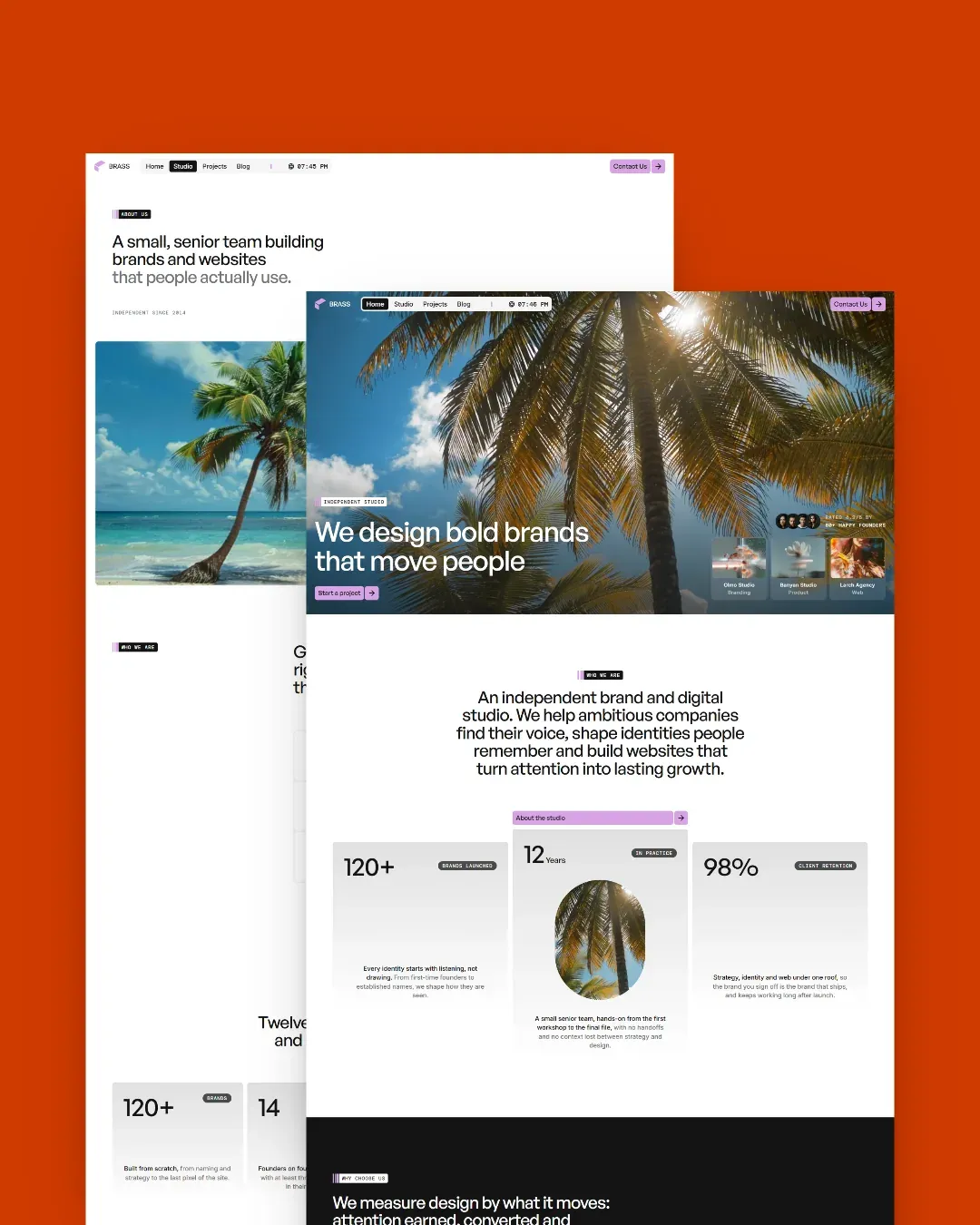
Olmo Studio is a flexible foundation for a creative practice with multiple services. It keeps company information, navigation, testimonials and frequently edited content in typed data files, while each portfolio case becomes its own page automatically.
Services that are their own pages
A service file becomes a route — pricing.mdx is served at /pricing — with nothing to register and no route to write.
Case studies in MDX
Projects with cover, client, tags and date, and images imported next to the copy rather than pulled from a URL.
Reveals you add with an attribute
Scroll animations come from data attributes read by one shared library, with a trigger option for the cases the default cannot see.
Six tokens and the site follows
Light surfaces, dark panels, body, two muted greys and the accent. Changing those six values re-skins everything.
Smooth scrolling that behaves
One Lenis instance exported from a module, animated same-page anchors, and a navbar that switches to its solid state on light pages.
Images that never leave the repo
One entry point, every source local, sharp building the srcset at build time. No CDN, so the build runs offline.
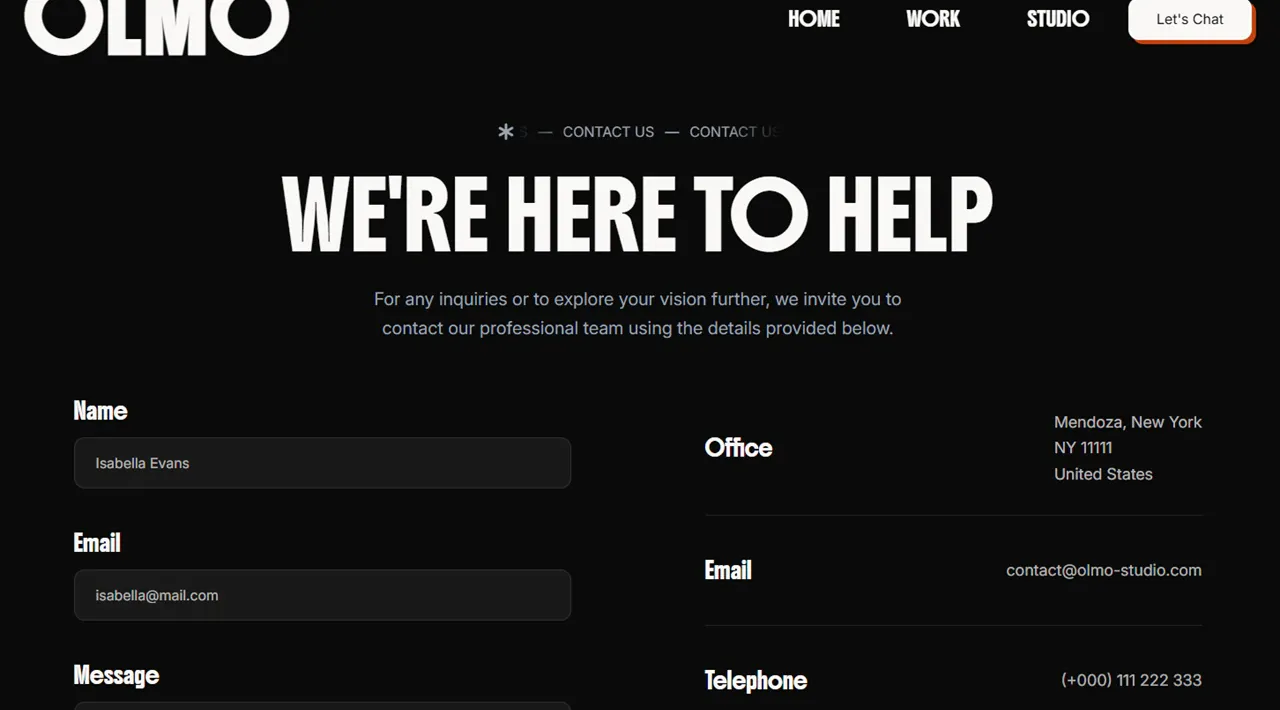
A contact form with typed dropdowns
Its options come from the same data file the service pages read, so adding a service adds it to the form.
Social cards that always resolve
Cards are pinned to JPEG at 1200x630 with a default that every page falls back to, and the canonical URL — not the request URL — is what they carry.
Typed content collections. You write a file, and the listing, the detail page, the feed and the sitemap pick it up on the next build.
src/content/projects/*.mdxCase studies. Marking one as featured surfaces it on the home page.src/content/services/*.mdxThe filename is the URL. Add the matching option to the contact form's data file and the new service is selectable.src/content/legals/*.mdPrivacy, terms and licensing.src/config/*.data.tsNavigation, social and contact details, values, process, team, testimonials, partners and the FAQ.---
title: 'Project Name'
description: 'One line for cards and social previews.'
coverImage: '../../assets/projects-img/project-name/cover.webp'
tags: ['Branding', 'Web']
client: 'Client Name'
date: 2026-03-15
featured: true
clientLink: 'https://example.com'
---The copy
src/config/labels.tsEvery user-facing string, SEO metadata included. Translating the site means translating this one file.
The palette
src/styles/global.cssSix colour values in the theme block. Change them and the whole site follows, presets and all.
The marks
src/icons/Drop an SVG in and reference it by name. Fill and stroke are rewritten to follow text colour, and artwork with its own palette keeps it.
Both have a free tier, and the contact form needs them: the ZIP ships an .env.template with the variables to fill in.
A README written for this template, not copied between them, inside the ZIP. It covers:
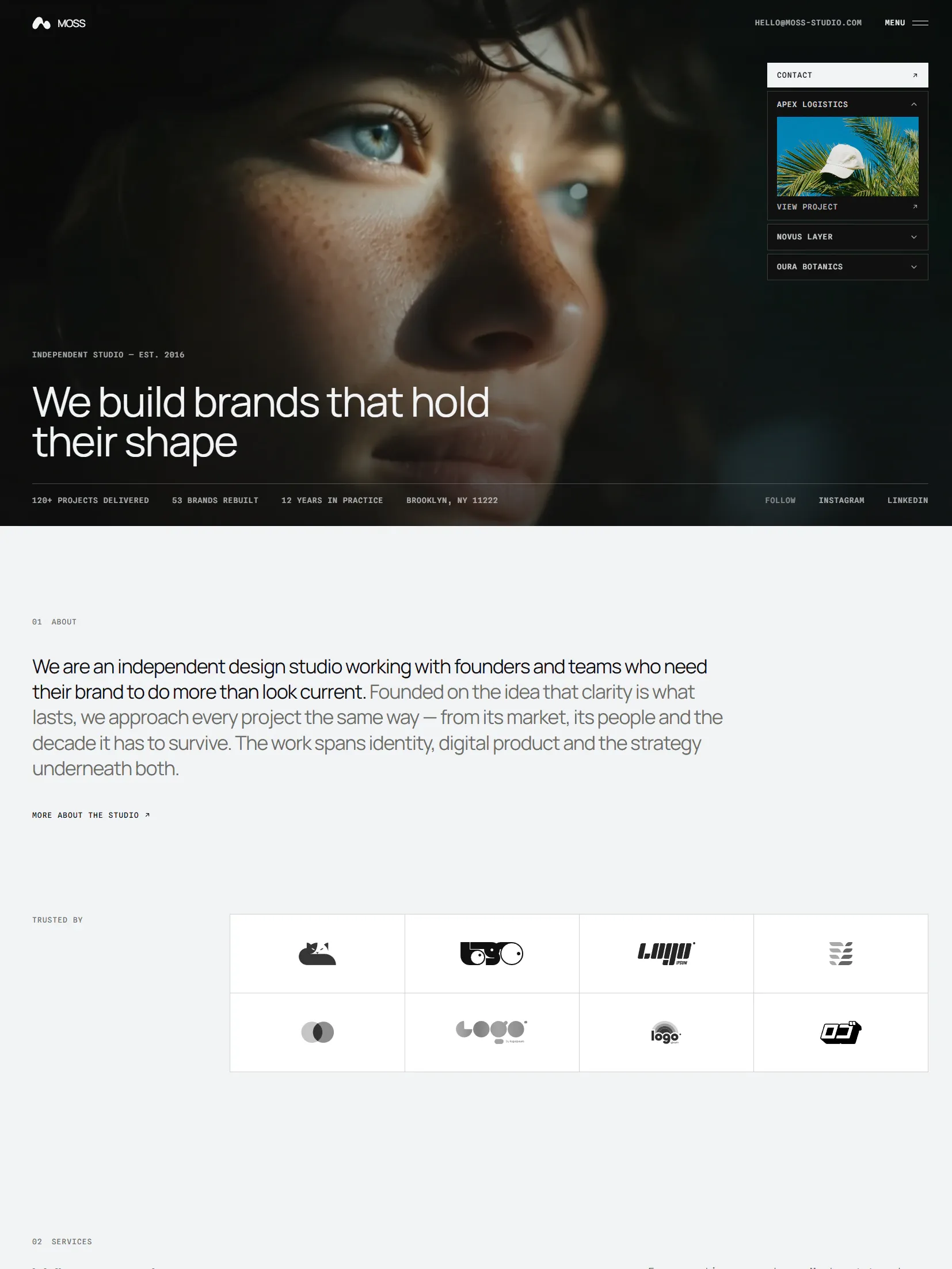
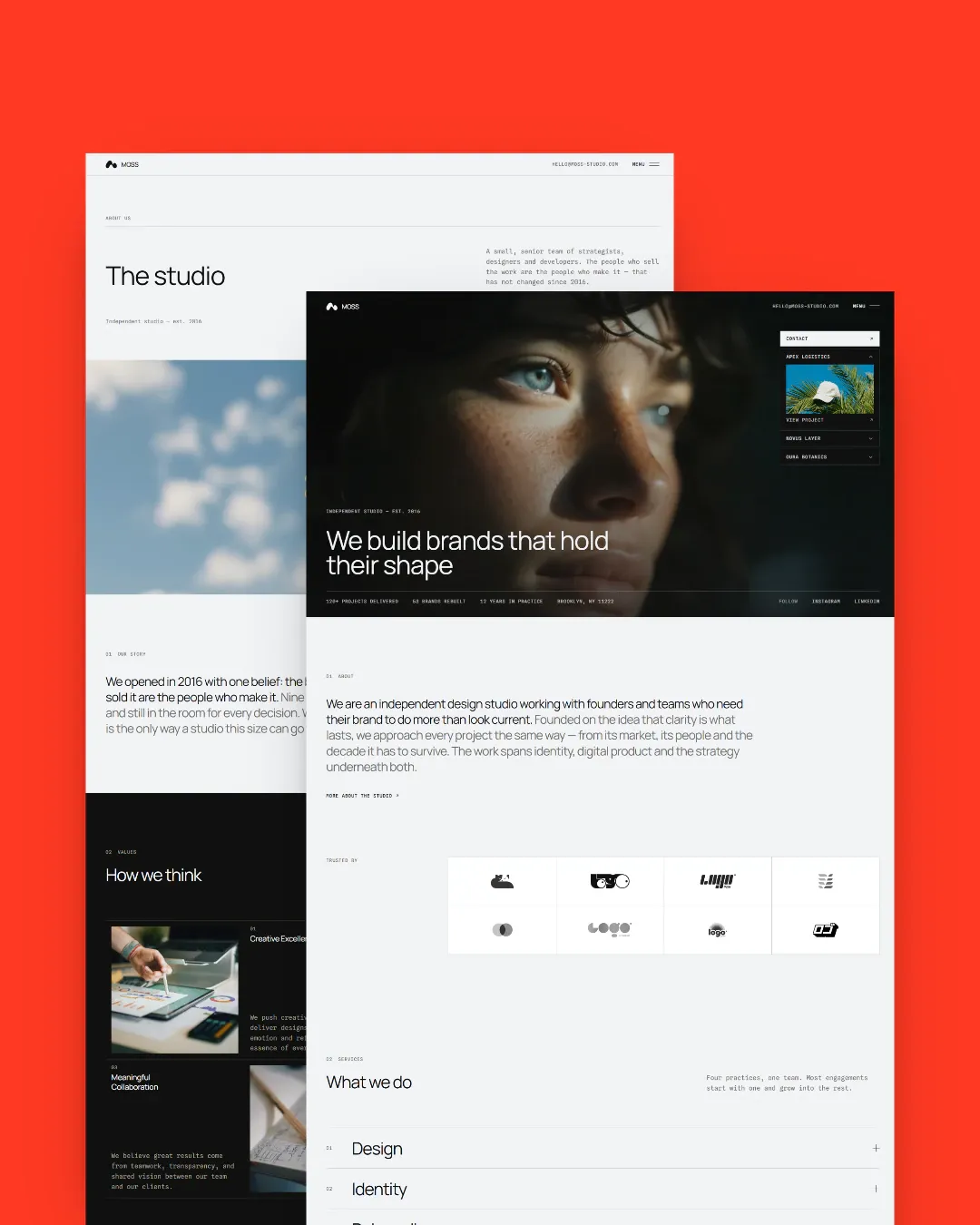
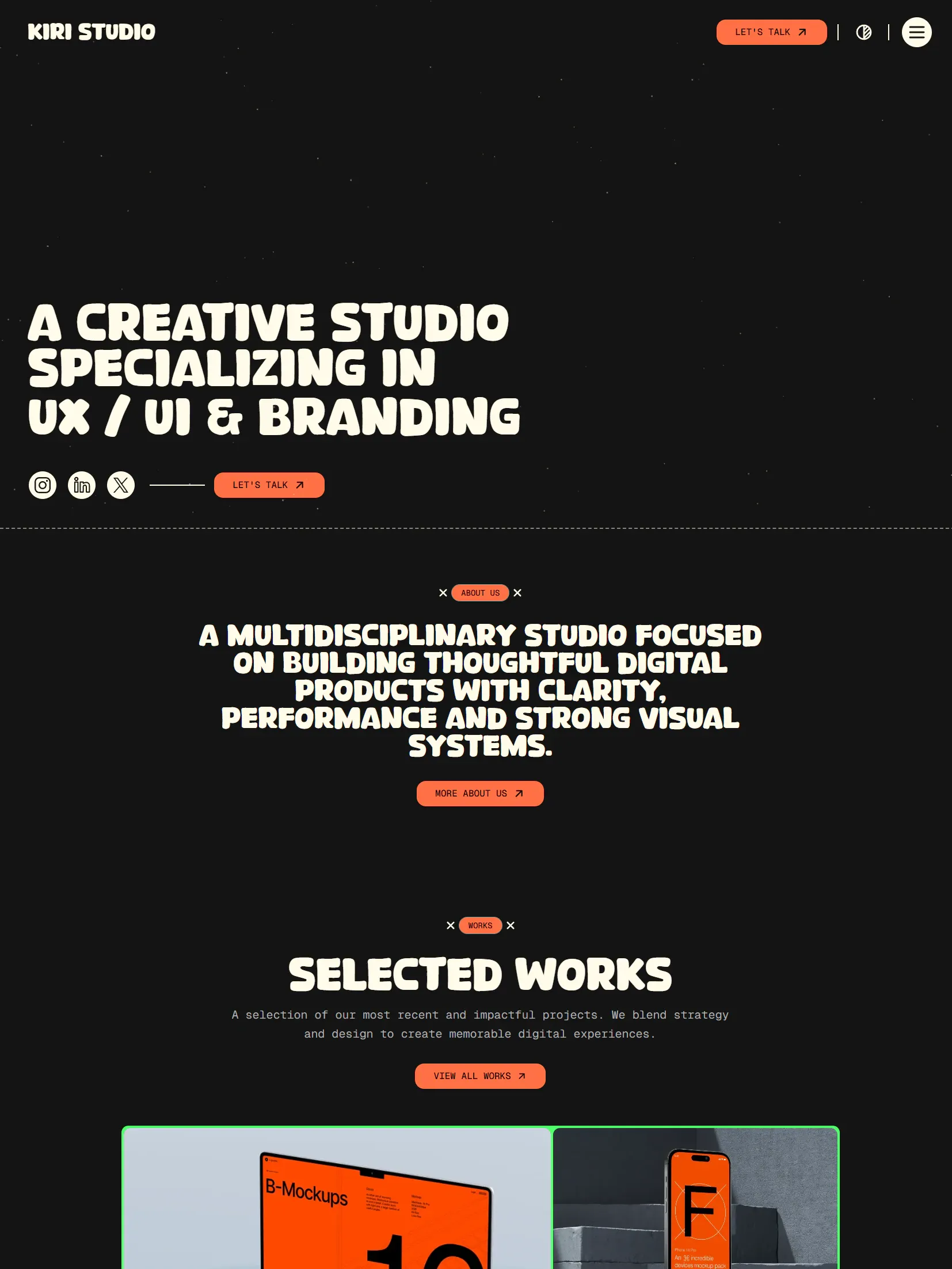
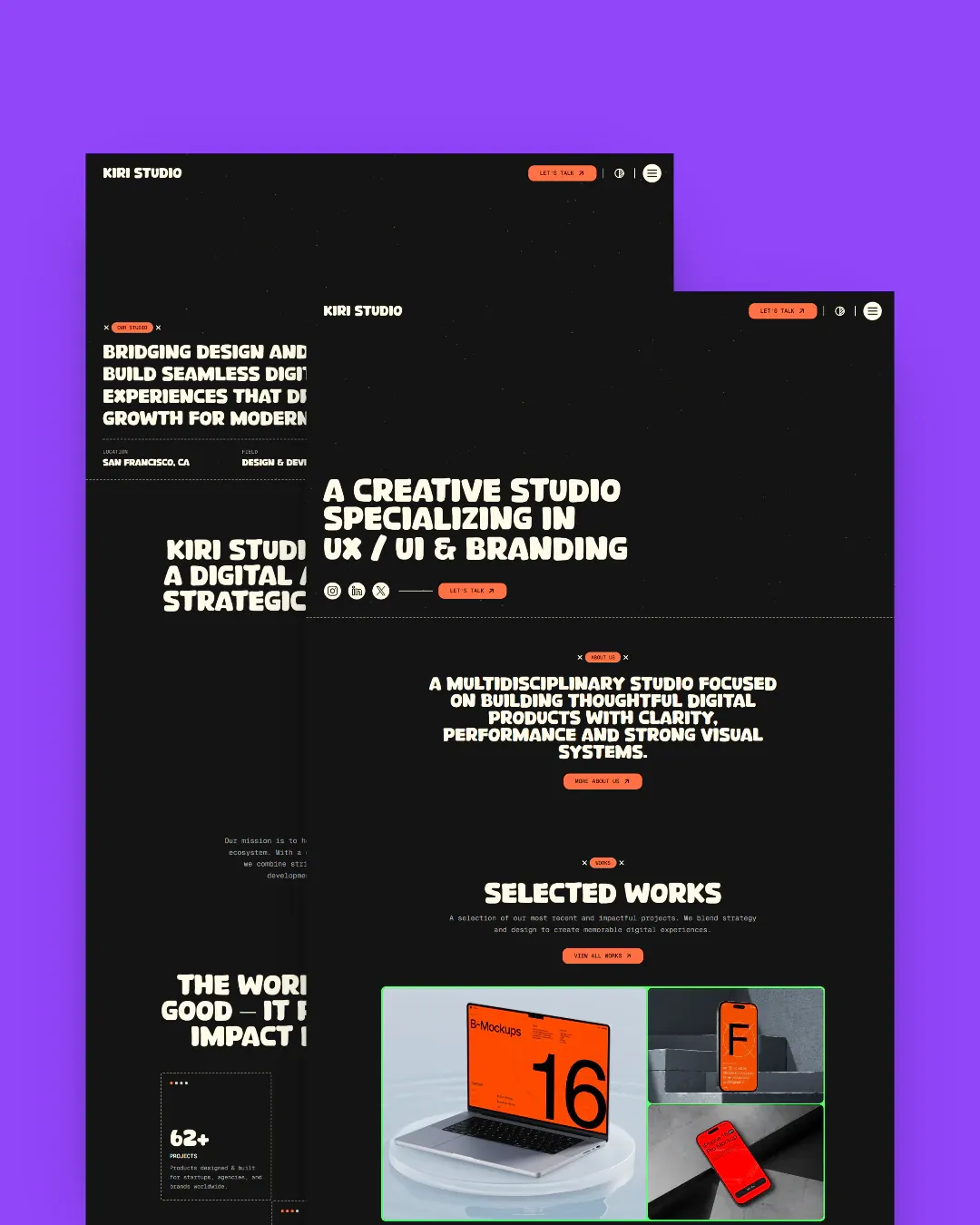
Try any demo before you decide
The demos are the real templates, deployed. No signup, no email in the way.